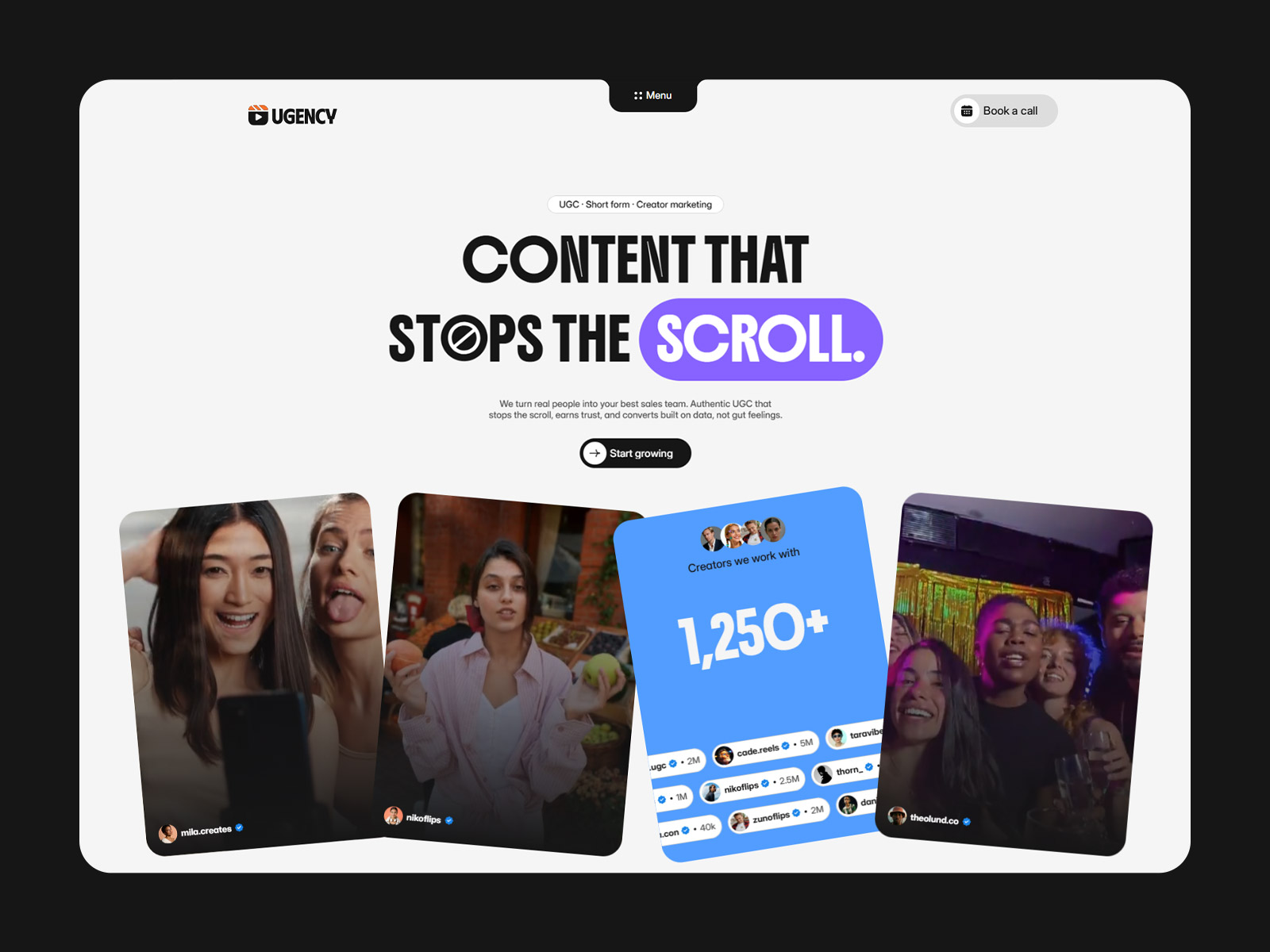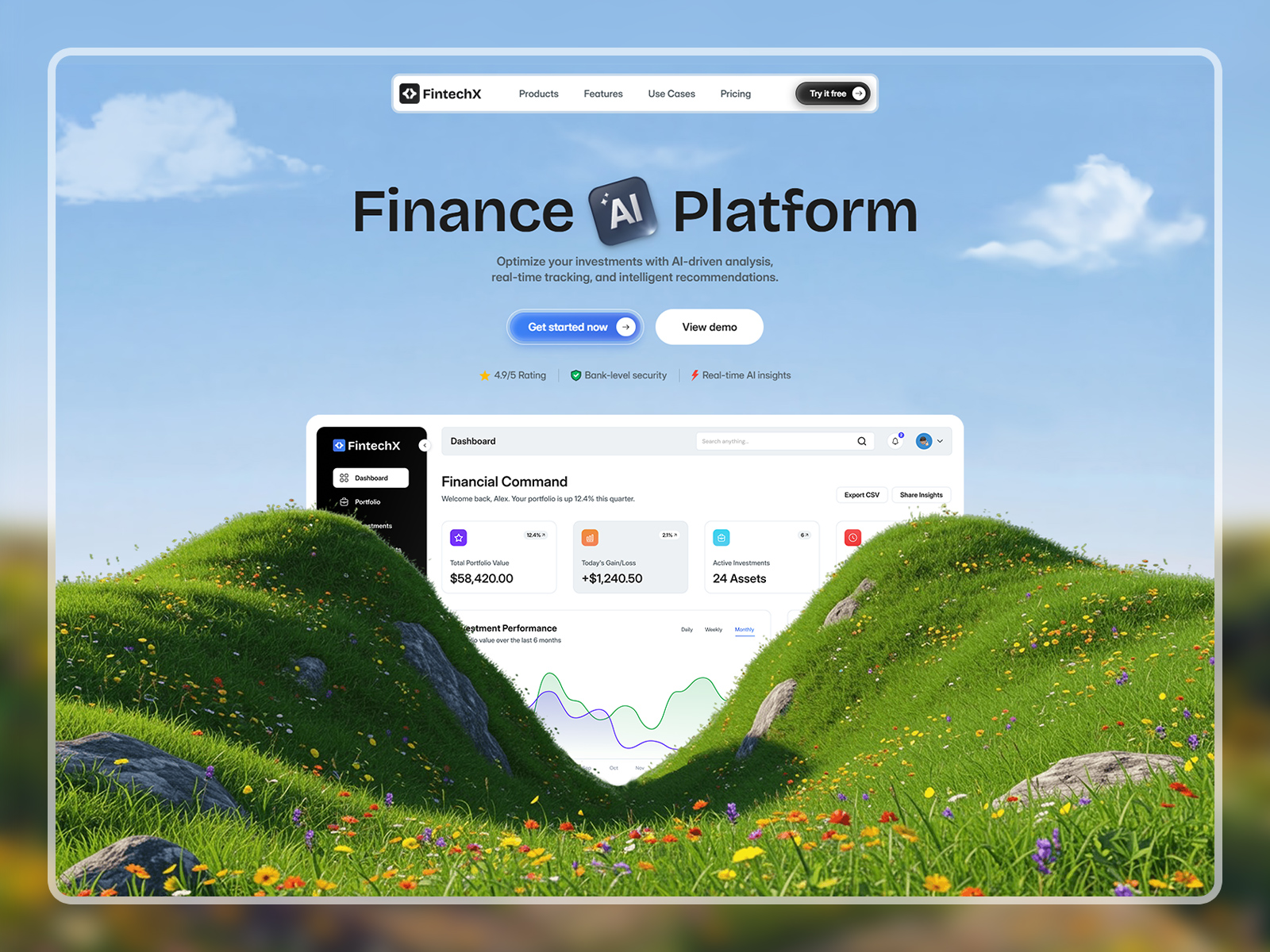
Mizzle is a flexible and modern Figma website template designed for businesses, corporate brands, agencies, SaaS products, startups, landing pages, digital services, and product showcases that need a polished and scalable website design.
Built with versatility in mind, this layout helps teams plan a professional multipurpose website structure that adapts easily to different business goals before development.
Whether you’re creating a corporate site, SaaS landing page, agency website, or product presentation, this template provides a strong and adaptable design foundation.
Multiple Home layouts, About, Services, Product Pages, Pricing, Blog, Contact, Authentication Pages, Account Pages, General Utility Pages, 404.
Business websites, corporate websites, SaaS products, startups, agencies, digital agencies, software companies, mobile apps, landing pages, product showcases, online services, multipurpose websites.
Mizzle delivers one of the best multipurpose Figma website designs for teams that need flexibility, scalability, and a professional look—ready to be transformed into a wide range of high‑performing websites.
1. Open in Figma – Download the file and import it into your Figma account.
2. Customize – Edit text, replace images, and update colors or fonts to match your brand.
3. Export or Share – Use it as your final design or hand it off to a developer to build with your preferred framework or CMS.
Note: This product includes a Figma design file only (Desktop version). No coded files are included.
Mizzle is a modern Figma template for SaaS, startups, and agencies. Fully editable, with organized layers and ready-to-use UI components for fast design.