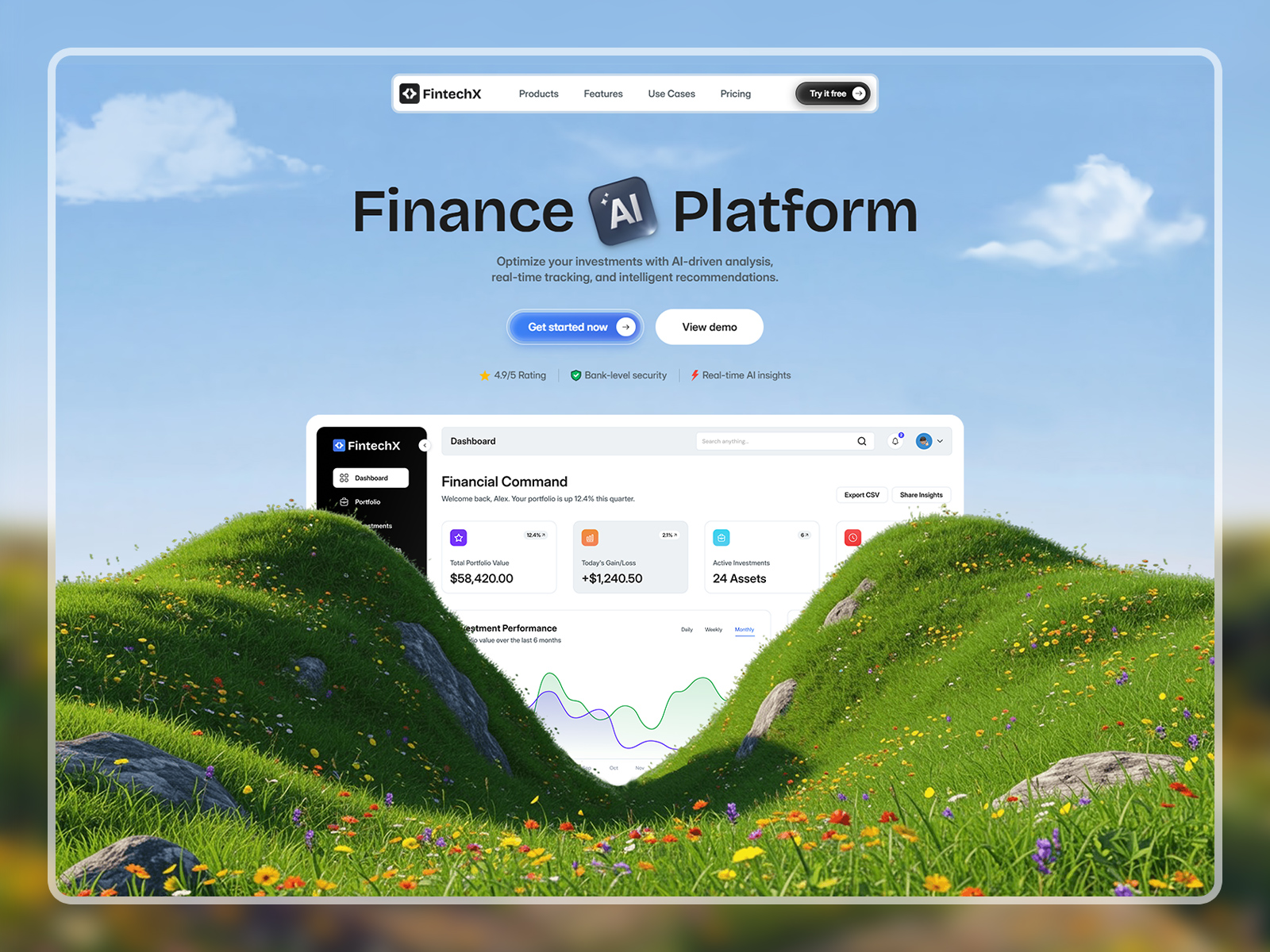
This best AI SaaS and automation website template is built for AI tools, workflow automation software, machine learning applications, and modern SaaS startups that want a strong, high‑impact online presence.
Designed with a bold dark aesthetic, the layout creates an immediate visual impression while keeping the experience focused on clarity and conversions. The structure helps teams translate complex software features into clear value propositions using well‑organized design sections.
Whether you’re launching an AI‑powered product, scaling a SaaS startup, or promoting an automation platform, this template provides all the essential website sections needed to communicate value, build credibility, and support long‑term growth.
The design system is thoughtfully organized in Figma, using reusable components and clean layout structures. This makes it easy to adapt branding, update content, and collaborate efficiently before development or handoff.
AI tools, AI SaaS startups, machine learning applications, workflow automation platforms, SaaS products, productivity software, B2B SaaS, AI‑powered platforms, tech startups, data tools, and modern software companies.
This layout stands out as one of the best AI SaaS and automation Figma website templates for teams that want bold visuals, clear structure, and conversion‑ready design.
1. Open in Figma – Download the file and import it into your Figma account.
2. Customize – Edit text, replace images, and update colors or fonts to match your brand.
3. Export or Share – Use it as your final design or hand it off to a developer to build with your preferred framework or CMS.
Note: This product includes a Figma design file only (Desktop version). No coded files are included.
A best Figma website template for AI SaaS and automation products. Bold dark visuals, clear structure, and conversion‑focused layouts for modern software brands.