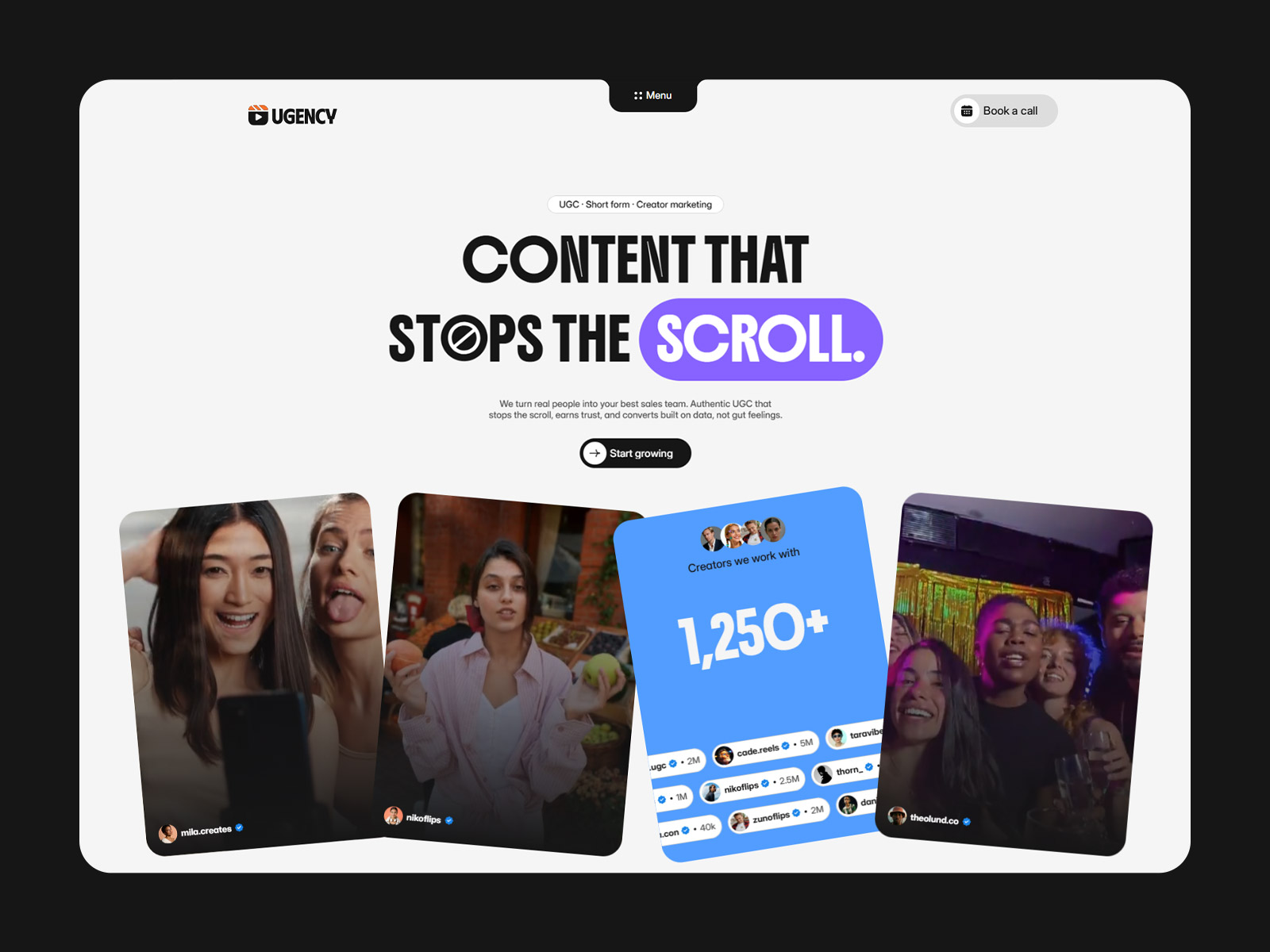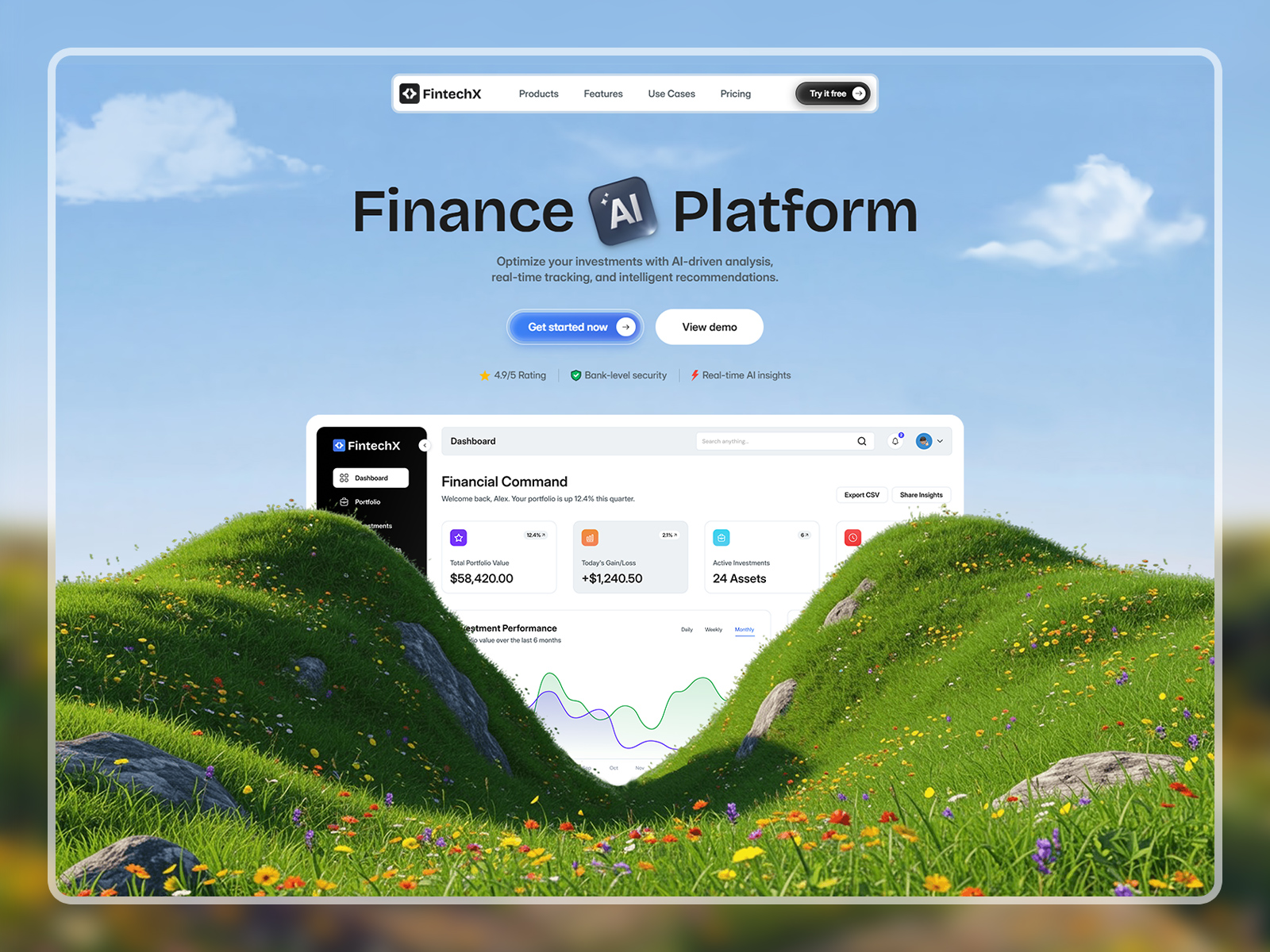
Fynas is a modern and versatile Figma website template built for SaaS products, startups, and technology businesses that want a clean, scalable, and high‑impact online presence.
Designed to balance style and usability, this layout helps founders and teams plan a professional website that clearly presents products, features, pricing, and trust elements before development.
Whether you’re launching a SaaS product, building a startup landing page, or showcasing software integrations, this template provides a flexible and conversion‑focused design foundation.
Home, Home 2, Home 3, Feature Pages, Pricing Pages, Integrations, Request a Demo, About, Services, Careers, Blog, Customer Reviews, Help Center, Contact, FAQs, Privacy Policy, Terms & Conditions, Authentication Pages, Extra Components, Style Guide, Instructions, Licenses, Changelog, Link in Bio, Coming Soon, 404, Password Protected.
SaaS startups, software companies, tech startups, B2B platforms, web apps, finance software, product landing pages, software integrations, startup websites, small businesses.
Fynas delivers one of the best SaaS and startup Figma website designs for teams that want clarity, flexibility, and strong conversion performance—ready to be transformed into a high‑performing live website.
1. Open in Figma – Download the file and import it into your Figma account.
2. Customize – Edit text, replace images, and update colors or fonts to match your brand.
3. Export or Share – Use it as your final design or hand it off to a developer to build with your preferred framework or CMS.
Note: This product includes a Figma design file only (Desktop version). No coded files are included.
Elevate your SaaS product with Fynas – a stylish and functional Figma template crafted to boost your online presence!