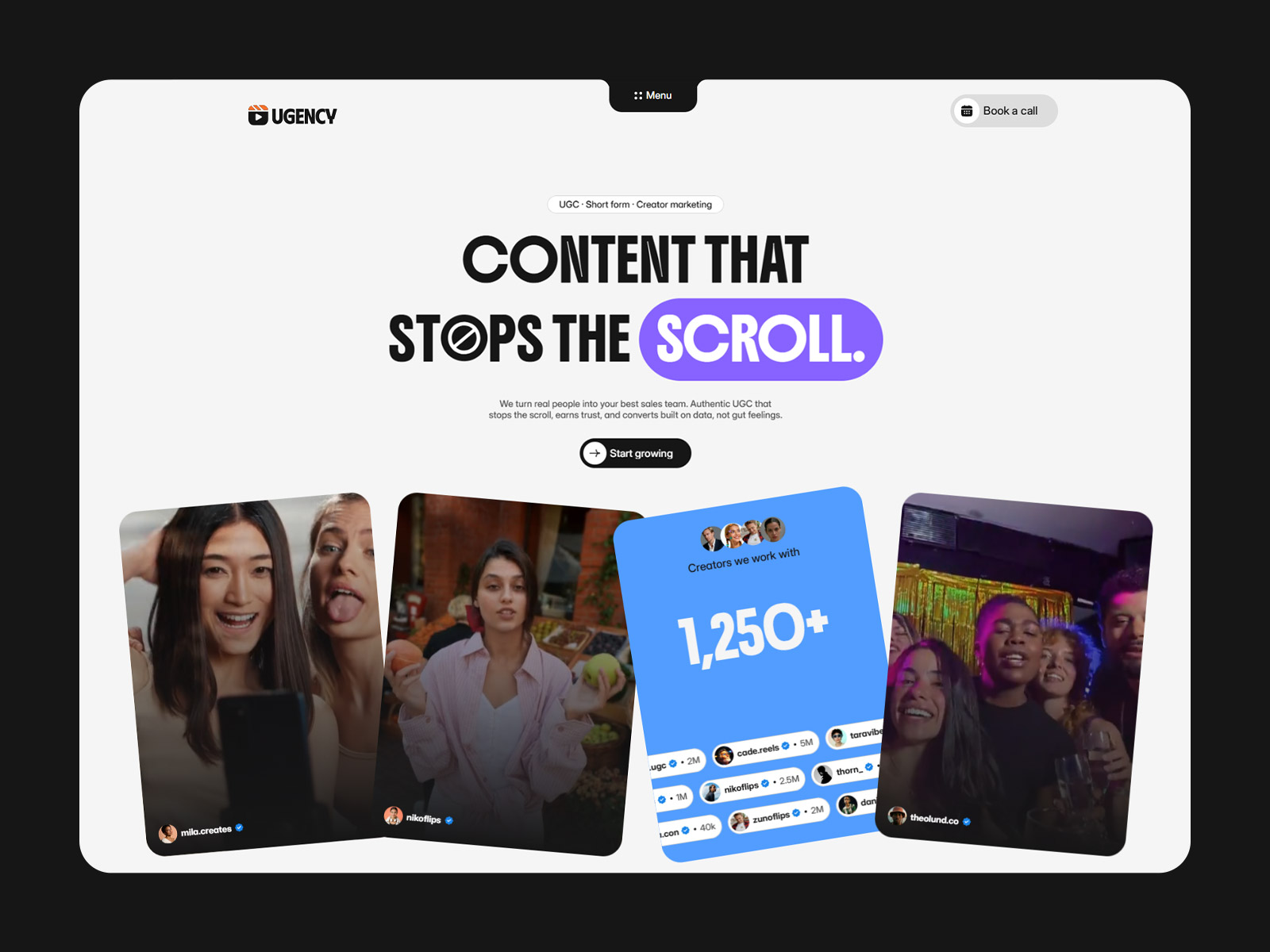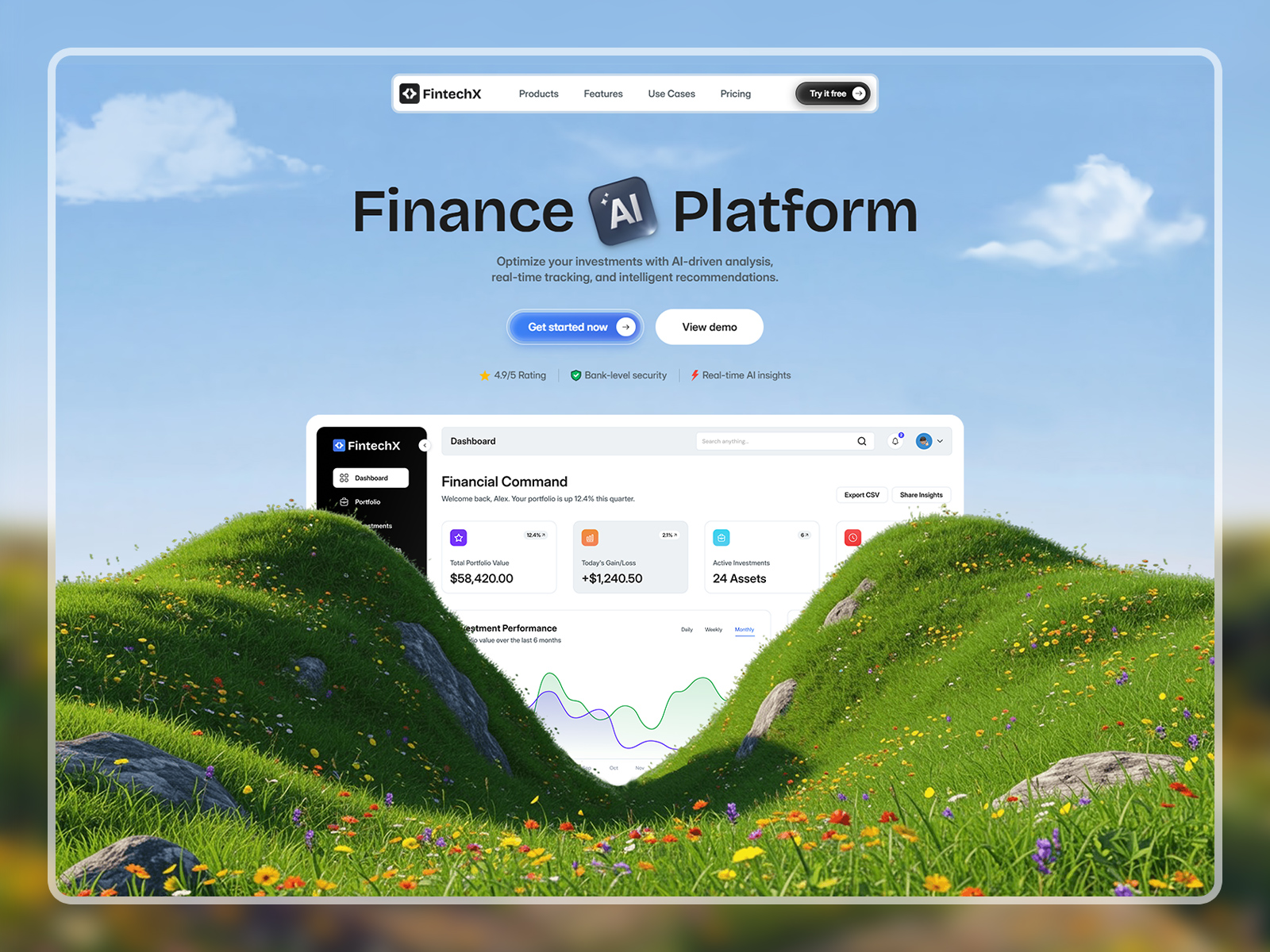
This best creative studio and agency website template is crafted for agencies, design studios, branding firms, digital agencies, and consulting studios that want a bold, confident, and high‑impact online presence.
Built around strong typography and a clear visual hierarchy, the layout helps you showcase projects, communicate results, and position your studio as a leader in its space. Every section is designed with storytelling in mind, so visitors quickly understand your work, value, and expertise.
Whether you’re presenting a studio portfolio, launching an agency website, or creating a conversion‑driven landing page, this template provides a powerful foundation that balances creativity with clarity.
The design system is thoughtfully organized in Figma, making it easy to customize layouts, refine branding, adjust typography, and collaborate efficiently before development or handoff.
Creative agencies, design studios, branding firms, digital agencies, marketing agencies, consulting studios, portfolio websites, creative teams, boutique agencies, and agency landing pages.
This layout stands out as one of the best creative studio and agency Figma website templates for teams that want to combine bold visuals, clear storytelling, and conversion‑focused design.
1. Open in Figma – Download the file and import it into your Figma account.
2. Customize – Edit text, replace images, and update colors or fonts to match your brand.
3. Export or Share – Use it as your final design or hand it off to a developer to build with your preferred framework or CMS.
Note: This product includes a Figma design file only (Desktop version). No coded files are included.
A best Figma website template for creative studios and agencies. Bold typography, clear storytelling, and conversion‑focused layouts for high‑impact portfolios