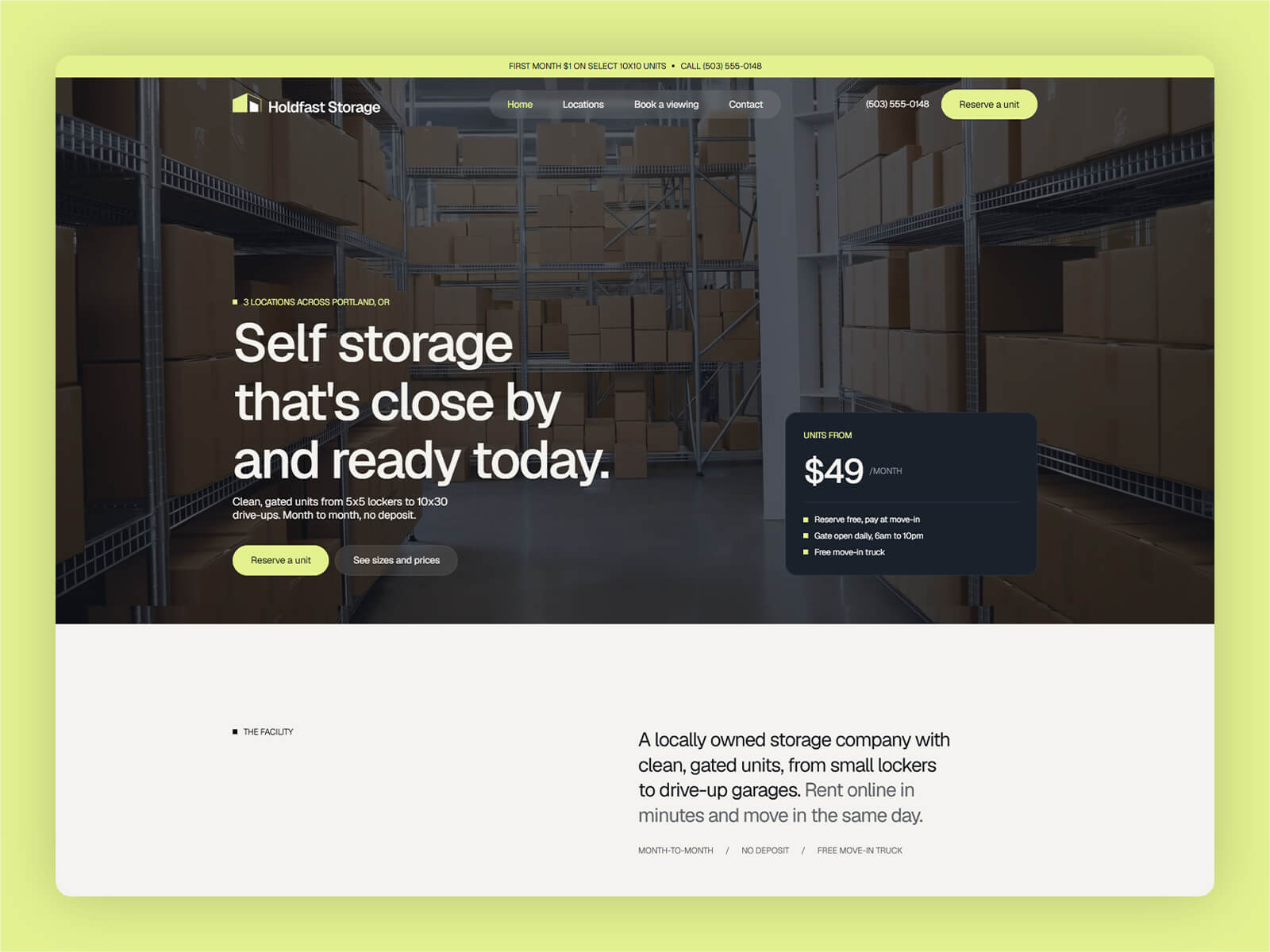
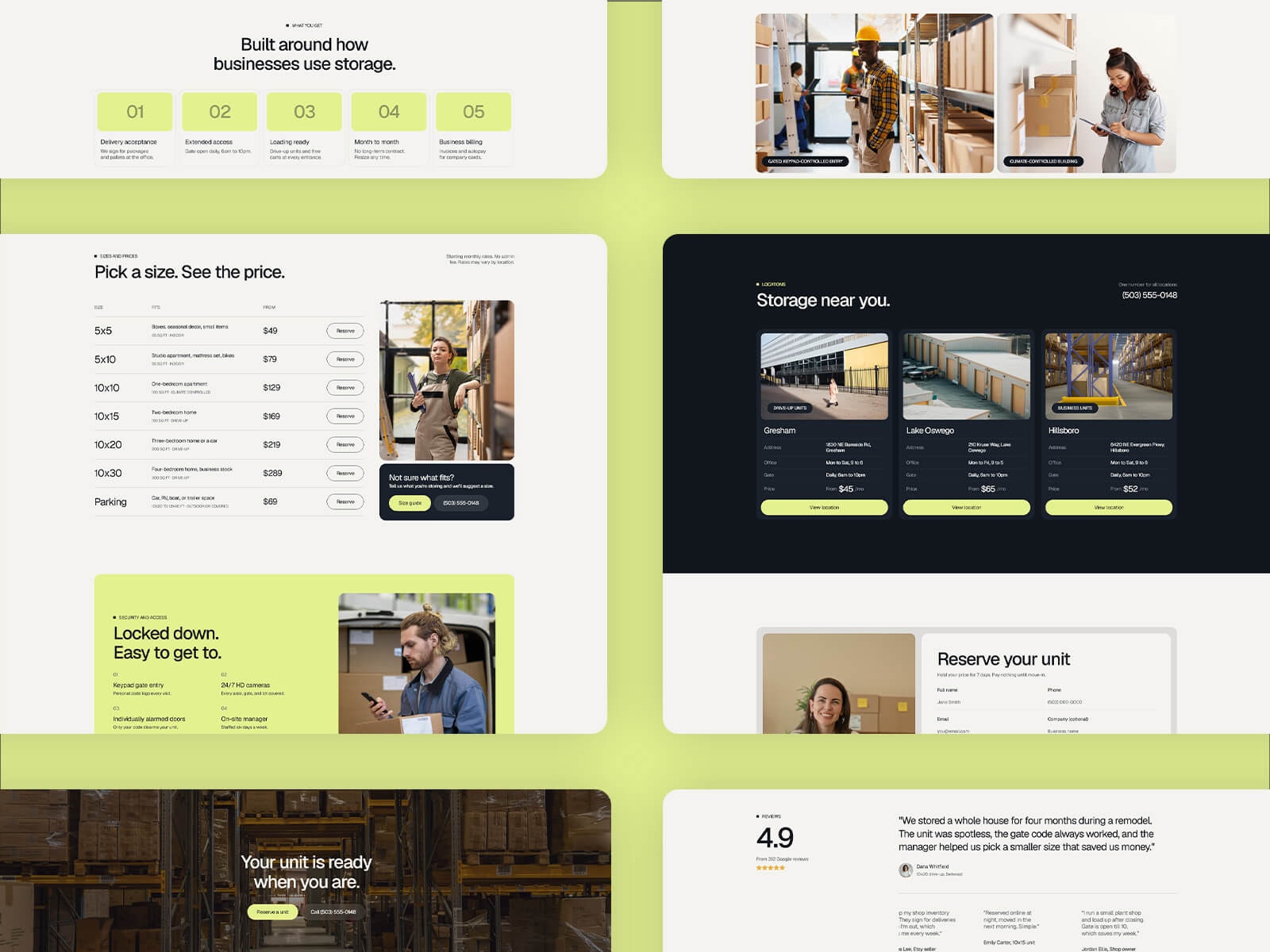
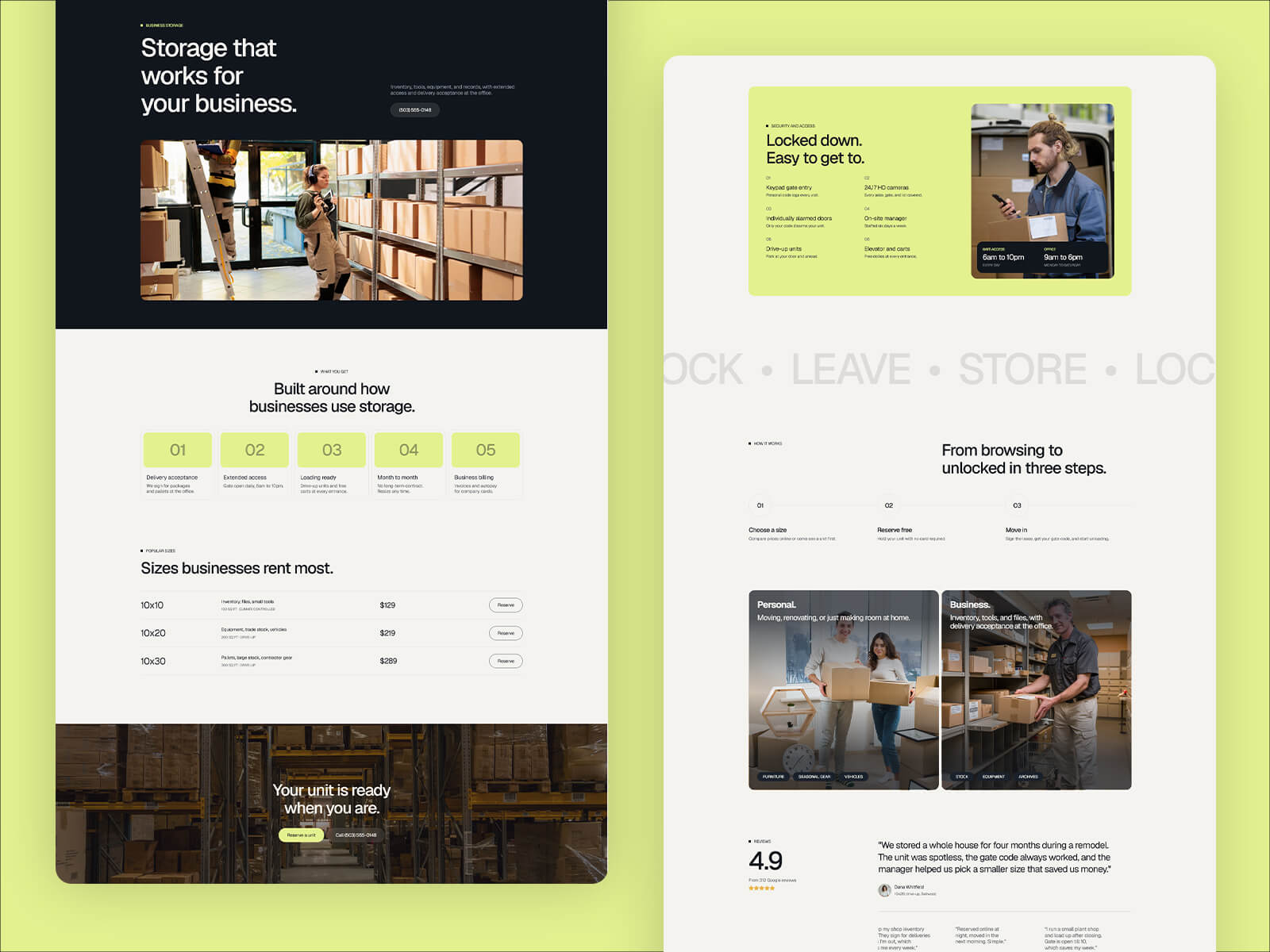
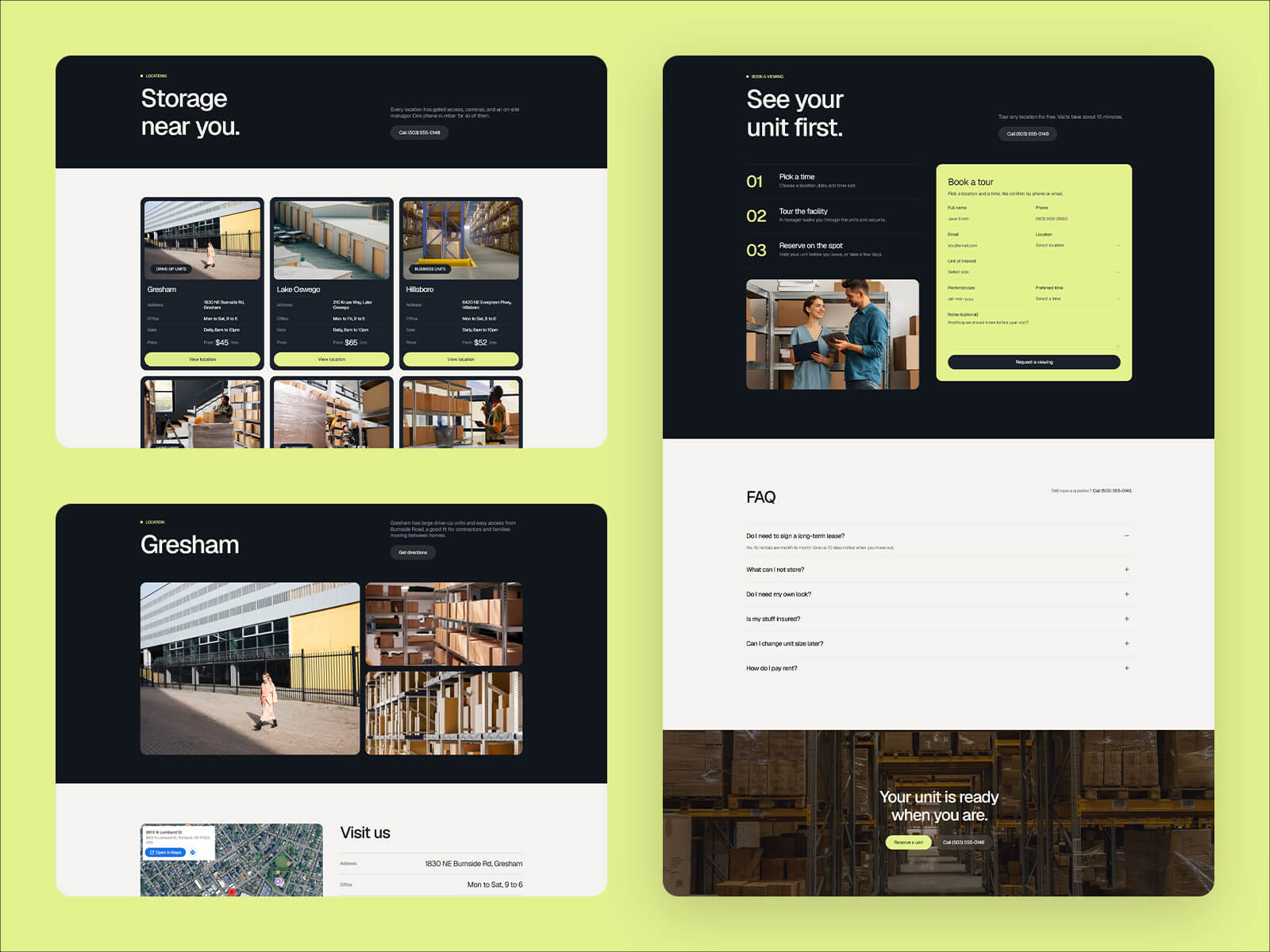
Holdfast Storage is a conversion-focused website template for self storage facilities, storage operators and unit rental businesses, built in Framer. It includes unit size tables, location pages and ready-made forms to reserve a unit or book a viewing. You can edit and publish it without writing any code.
Most visitors are comparing storage options nearby. They want three things fast: clear unit sizes and prices, proof the facility is secure and easy to access, and a simple way to reserve a unit or book a viewing. Holdfast Storage is designed to answer all three.
Holdfast Storage shows your unit sizes and prices in clear tables. Every row has its own reserve button, so customers can act as soon as they find the right size.
Holdfast Storage uses the CMS to handle a single location or many. Adding a new facility takes only a few steps.
Holdfast Storage includes separate Reserve a Unit and Book a Viewing pages with ready-made forms. Customers choose the next step that fits them.
Holdfast Storage uses a clean, premium design that feels secure and trustworthy, the way a storage customer wants a facility to feel.
Holdfast Storage also suits vehicle and RV storage lots, business storage, warehouse rental and moving companies with storage. Just swap the copy and photos.
Holdfast Storage is built in Framer, a visual website builder. You click any text to change it, drag in your own images, and publish when you're ready. Holdfast Storage is built in Framer, which has built-in AI tools that rewrite text and add new sections and pages for you.
You can also update Holdfast Storage with Framer MCP. Connect Claude, ChatGPT or Cursor and ask it to replace content, add locations or unit sizes, write SEO titles, or update your brand colors. Nothing goes live until you review and publish.

You can create a self storage website without code by using the Holdfast Storage template in Framer. Open the template, replace the sample content with your own unit sizes, prices and locations, then connect your domain and publish. Everything is edited visually.
Yes. Holdfast Storage works with Framer MCP, so you can connect Claude, ChatGPT or Cursor and ask it to replace content, add locations or unit sizes, write SEO titles or update your brand colors. Nothing goes live until you review and publish.
Yes. Holdfast Storage has a reserve button on every row of the unit size table, plus a Reserve a Unit page with a ready-made form. A separate Book a Viewing page lets customers see the facility first.
Yes. Holdfast Storage uses the CMS to handle a single location or many, so it works for one facility or a growing network.
Yes. Holdfast Storage suits vehicle and RV storage lots, business storage, warehouse rental and moving companies with storage. Just swap the copy and photos.
You can start for free. To publish on your own domain, you'll need a paid plan, and this template includes 3 free months of Framer Pro. Start with Framer here.
Yes. Connect any domain you own in Framer's site settings.
Holdfast Storage is a website template for self storage facilities and unit rental businesses. Show unit sizes and prices, one location or many, and let customers reserve a unit or book a viewing. Built in Framer, no code needed.
Access every current Framer template + new releases