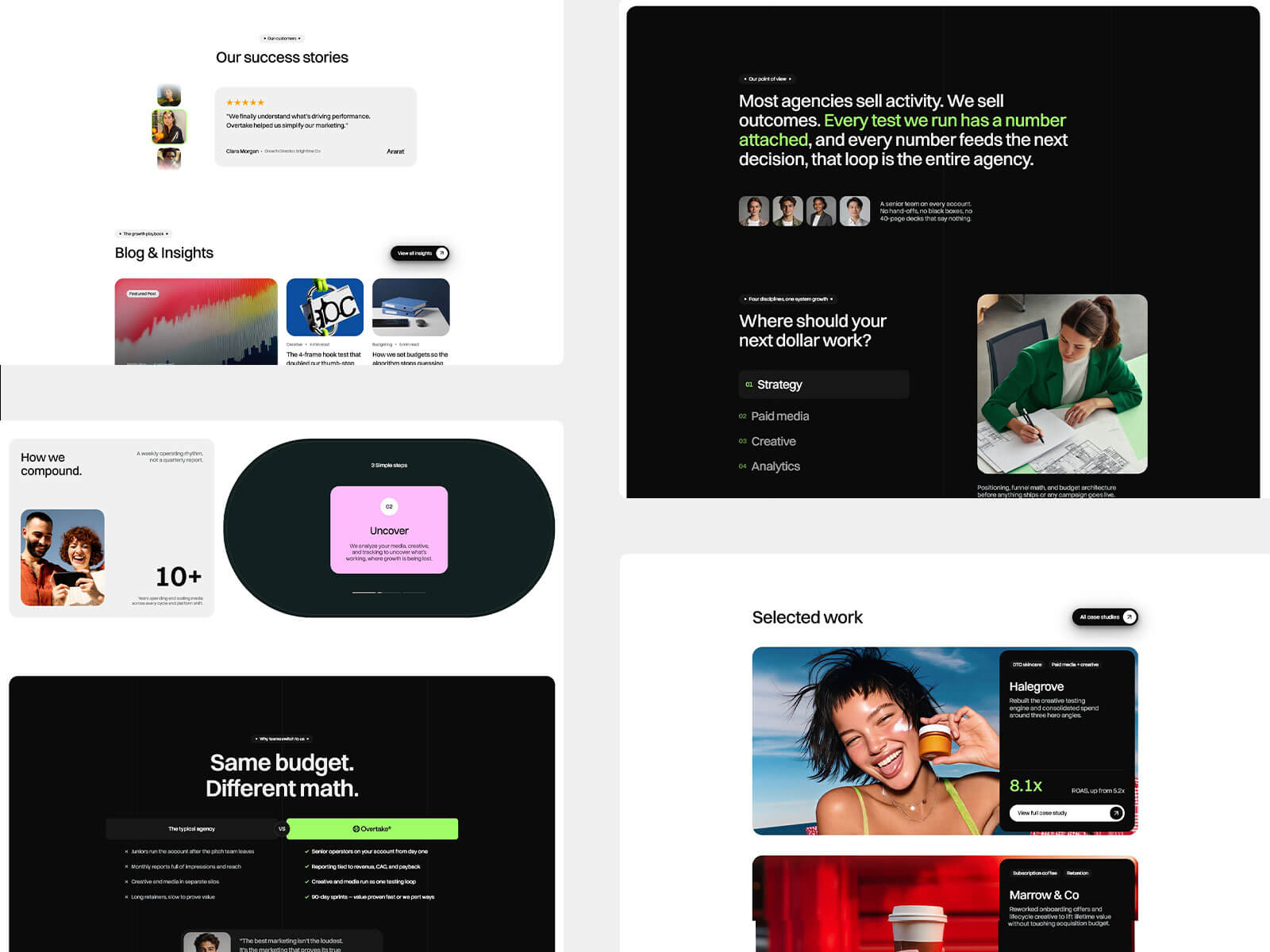
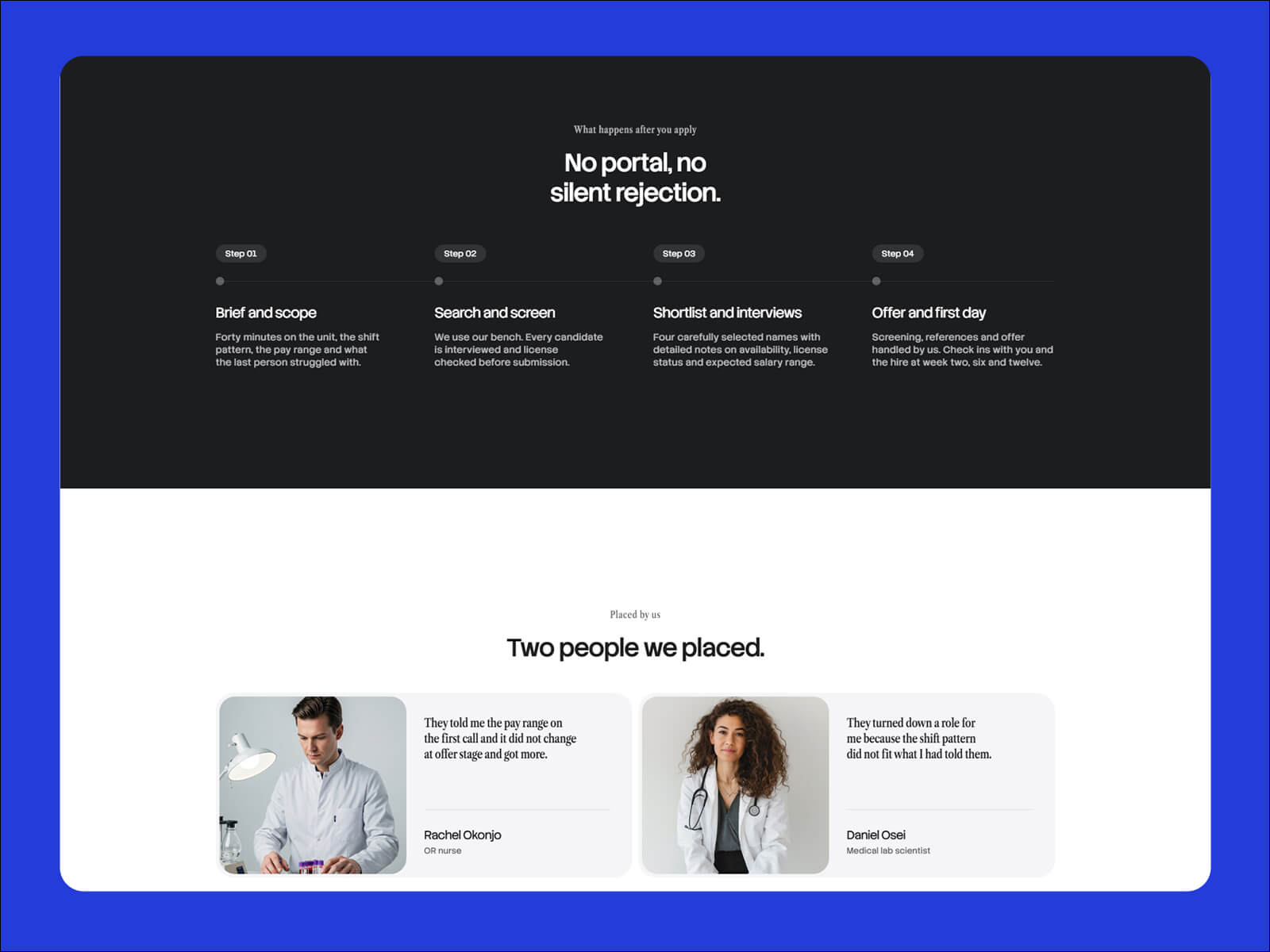
Staffwise is a website template for niche recruitment and staffing agencies, built in Framer. It serves both employers and candidates, with sectors covered, placement numbers, open roles, testimonials and a vetting checklist. You can edit and publish it without writing any code.
Recruitment websites have two audiences. Employers want to know if your agency will send people worth interviewing. Candidates want to know if the roles are real and if anyone will call back. Both want proof that you screen properly and a real person to talk to.
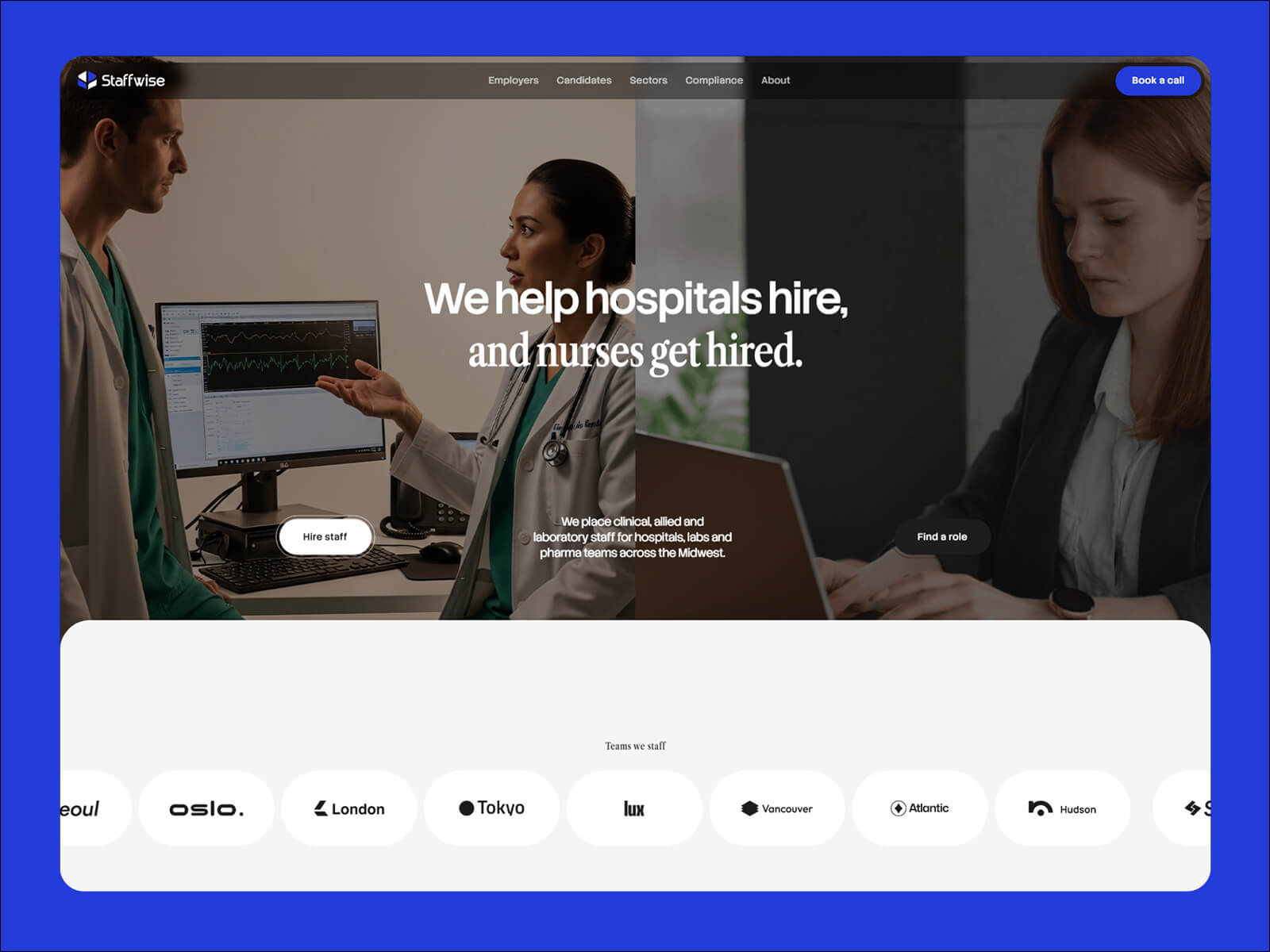
Staffwise opens with a hero that has two buttons, one for employers and one for candidates. Each visitor goes straight to the path that fits them, followed by clear promises for each side.
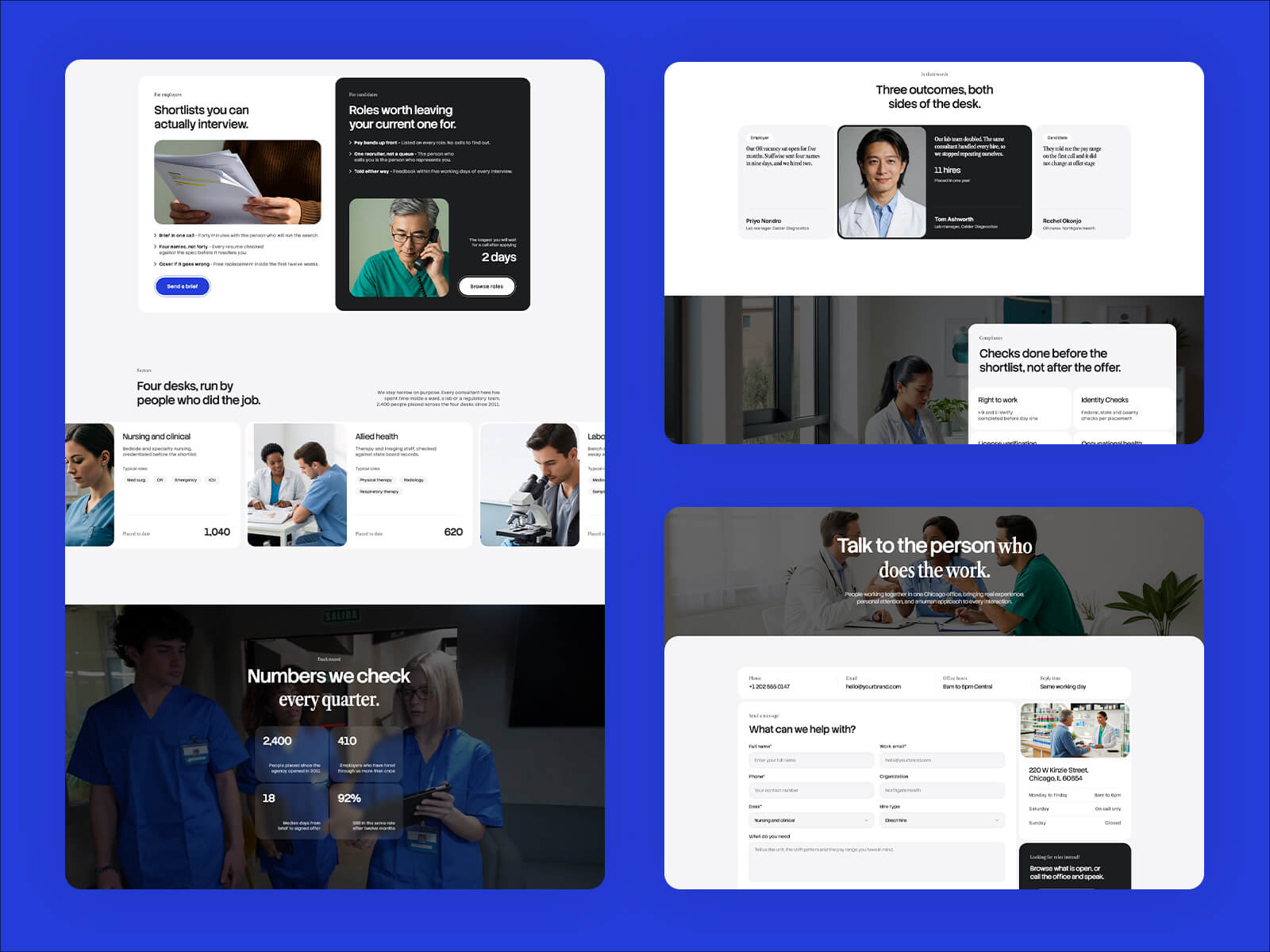
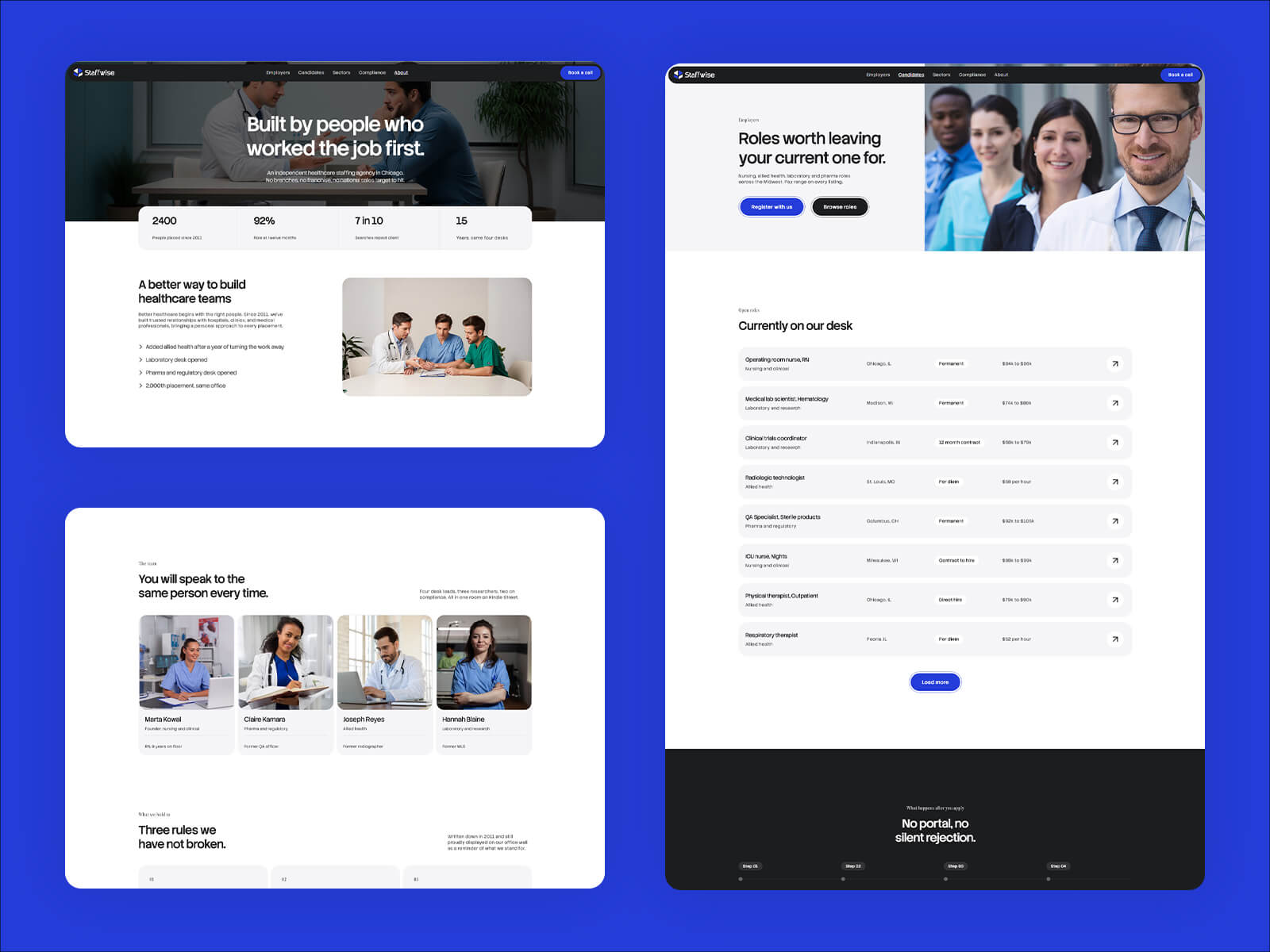
Staffwise backs up your promises with the sectors you cover, placement numbers, open roles and testimonials. A vetting checklist shows how you screen candidates, and an FAQ answers common questions from both sides.
The Staffwise demo is a healthcare agency, but the structure works for any specialist desk. Swap the copy for nursing, IT, engineering, legal, finance, trades or education. It also suits independent recruiters and small search firms.
Staffwise is built in Framer, a visual website builder. You click any text to change it, drag in your own images, and publish when you’re ready. Staffwise is built in Framer, which has built-in AI tools that rewrite text and add new sections and pages for you.
You can also update Staffwise with Framer MCP. Connect an AI tool like Claude, ChatGPT or Cursor and ask it to replace content, add open roles or sectors, write new testimonials, add FAQ answers, write SEO titles and alt text, or update your brand colors across the whole site. Staffwise is built with clean color styles, text styles and components, so AI edits stay consistent. Nothing goes live until you review and publish.

You can create a recruitment agency website without code by using the Staffwise template in Framer. Open the template, replace the sample content with your own sectors, open roles and testimonials, then connect your domain and publish. Everything is edited visually.
Yes. Staffwise works with Framer MCP, so you can connect an AI tool like Claude, ChatGPT or Cursor and ask it to replace content, add open roles or sectors, write testimonials or update your brand colors. Nothing goes live until you review and publish.
Yes. Staffwise opens with a hero that has two buttons, one for employers and one for candidates, so each visitor goes straight to the path that fits them.
Yes. Staffwise includes an open roles section alongside sectors covered, placement numbers, testimonials and a vetting checklist.
Yes. The Staffwise demo is a healthcare agency, but the structure works for any specialist desk, including nursing, IT, engineering, legal, finance, trades and education. It also suits independent recruiters and small search firms.
You can start for free. To publish on your own domain, you'll need a paid plan, and this template includes 3 free months of Framer Pro. Start with Framer here.
Yes. Connect any domain you own in Framer's site settings.
Staffwise is a website template for niche recruitment and staffing agencies. Guide employers and candidates to the right path, and show sectors, placement numbers, open roles, and your vetting process. Built in Framer, no code needed.
Access every current Framer template + new releases