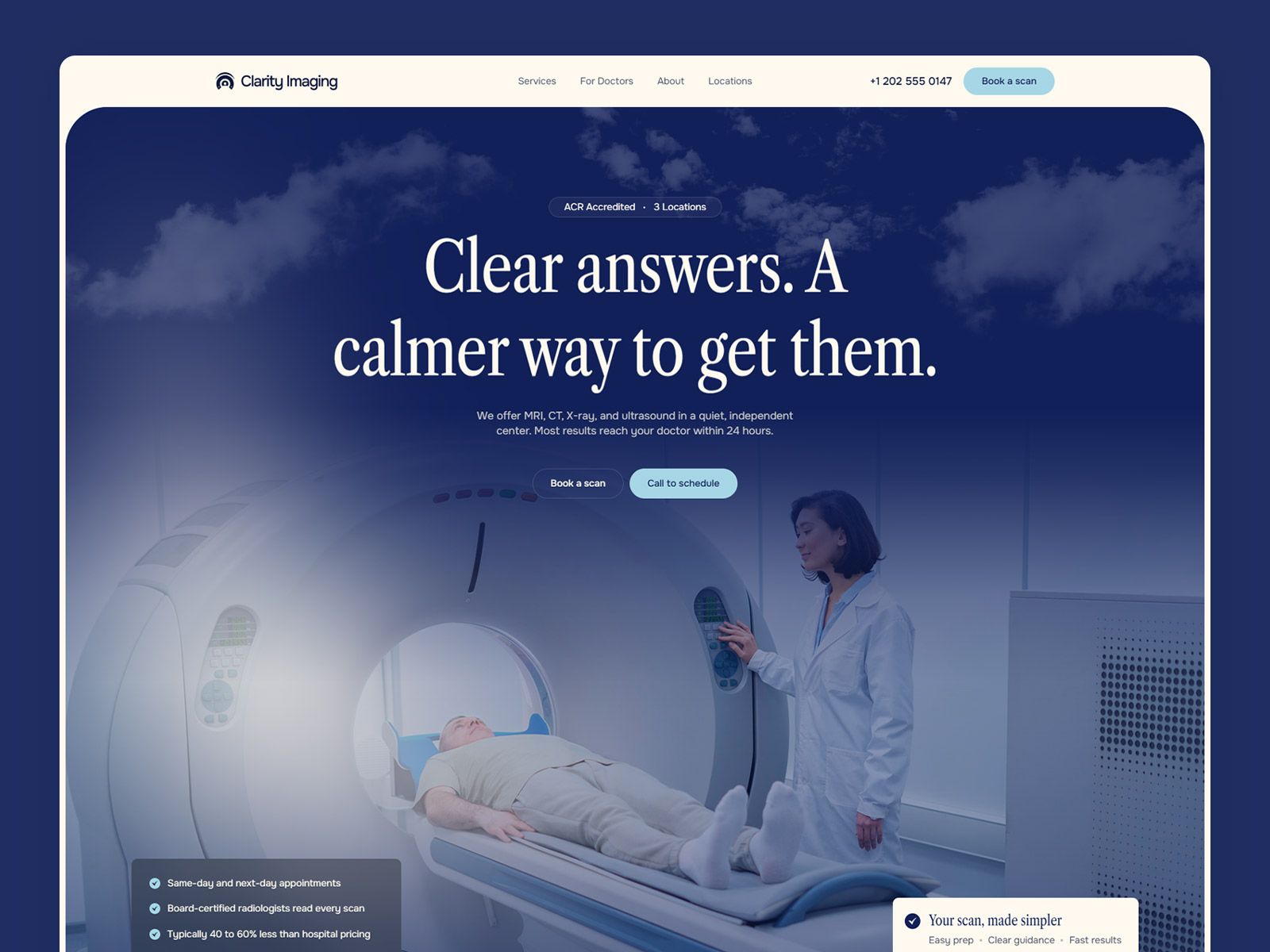
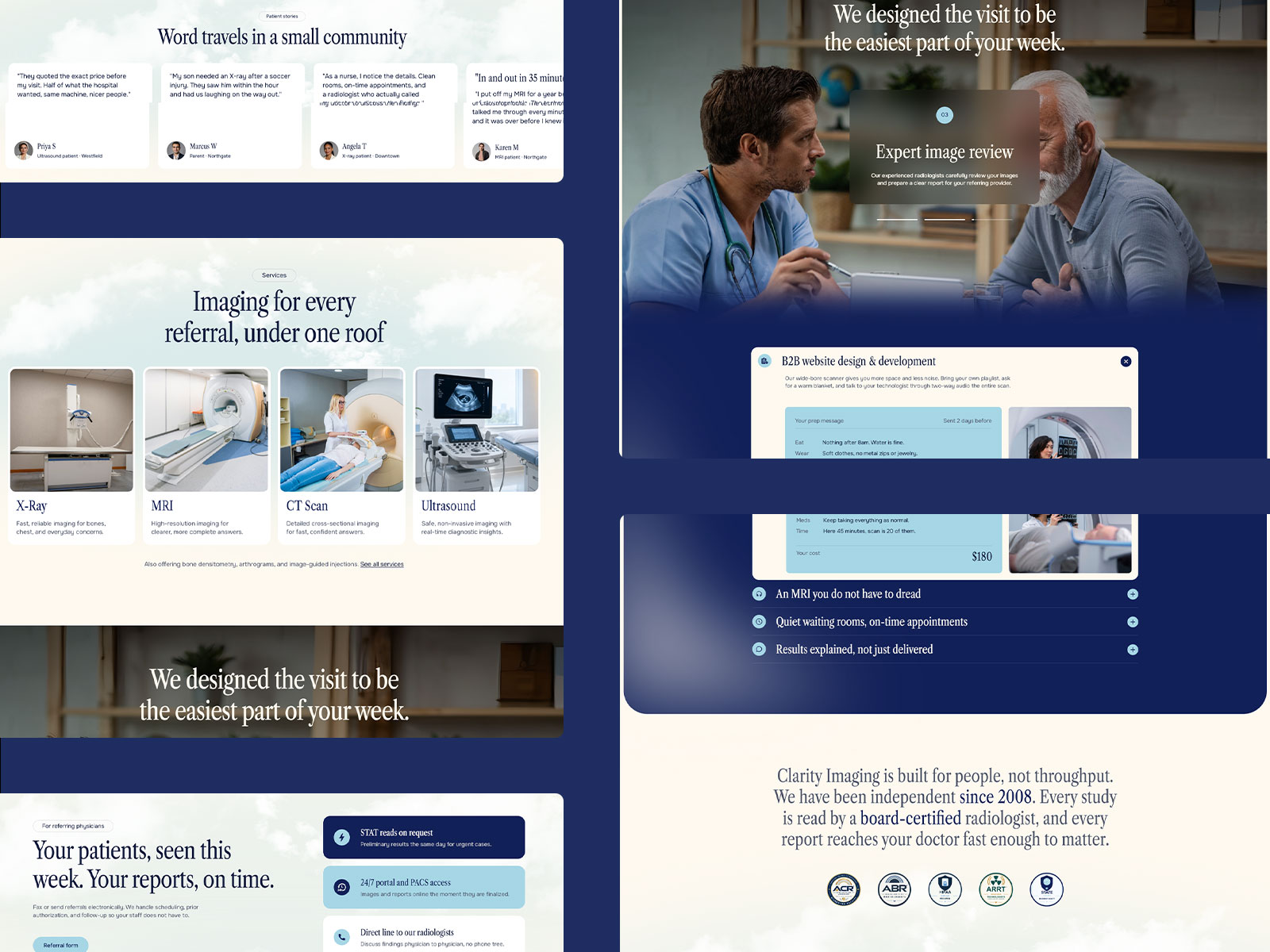
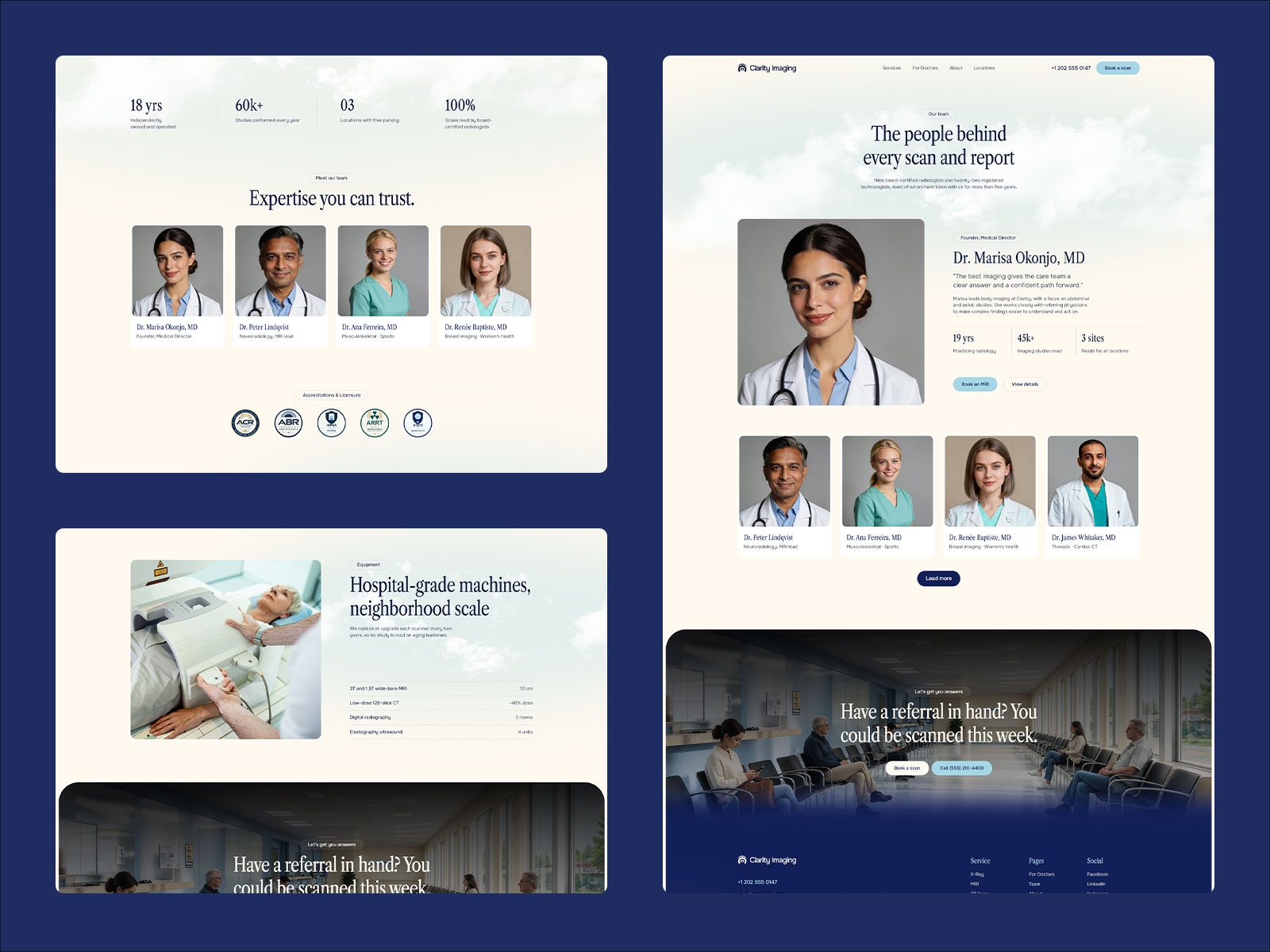
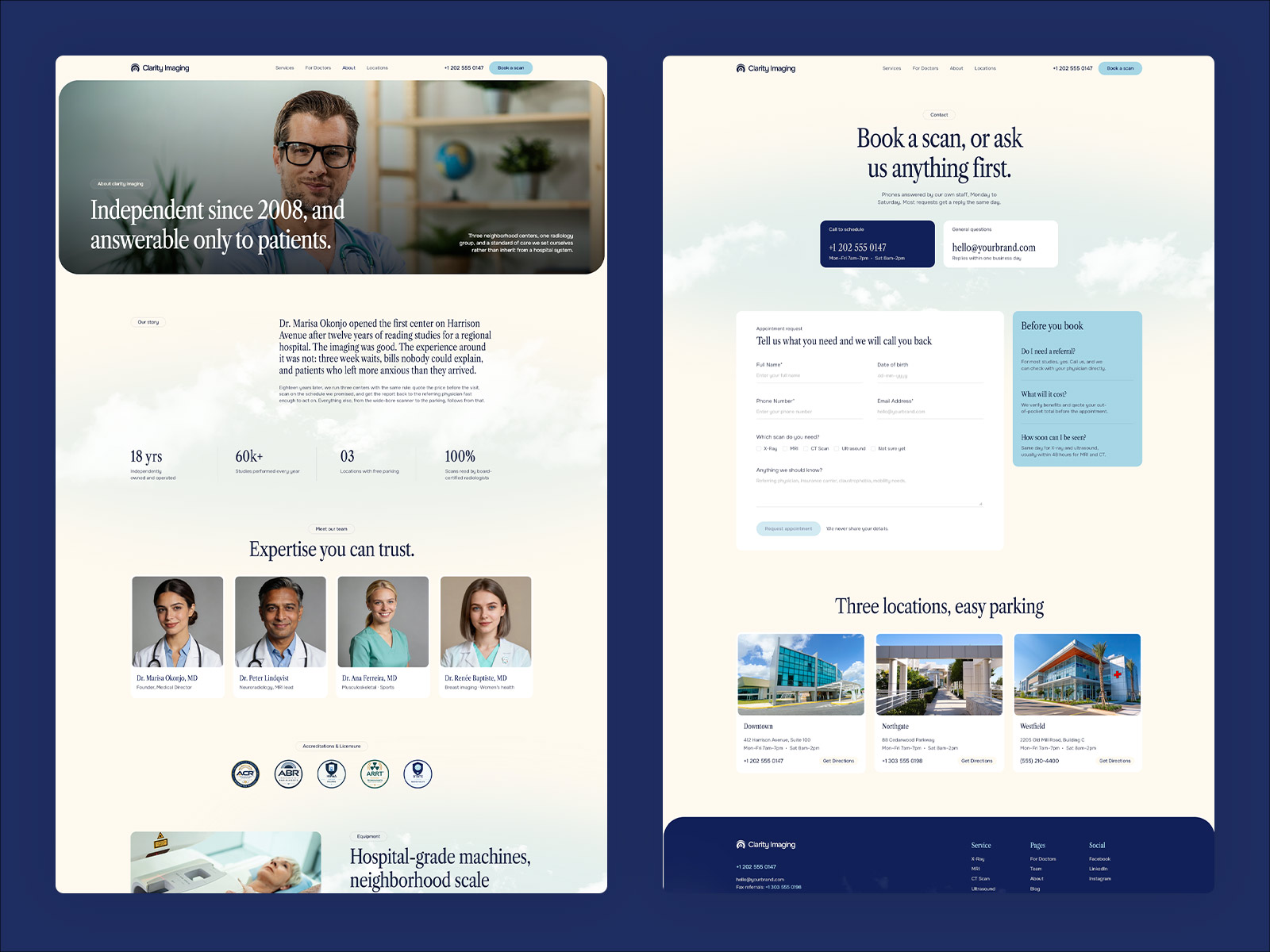
Clarity Imaging is a website template for private imaging centers, radiology clinics and diagnostic practices, built in Framer. It includes services, a visit walkthrough, locations and a dedicated page for referring physicians. You can edit and publish it without writing any code.
Clarity Imaging uses a calm, clinical style with serif headlines over full-bleed photography. Patients often arrive anxious and want three answers fast: what the scan involves, how soon they can be seen, and what it will cost. The design is built to answer those questions clearly.
Clarity Imaging follows the way patients and referring doctors make decisions. The hero leads with booking and a call option, followed by your services, a visit walkthrough and details that answer common worries.
Accreditations, testimonials and locations appear before the final call to action. Patients see your credentials and where to find you before they book.
Clarity Imaging gives patients and referring physicians separate paths. The physician page covers referrals and turnaround, so doctors get what they need without searching the patient pages.
Clarity Imaging was built for imaging centers, but the layout works for any appointment-based medical practice with multiple services and locations. Diagnostic labs, outpatient clinics, physiotherapy centers, dental imaging, specialist practices and urgent care all fit by swapping the copy and photos.
Clarity Imaging is built in Framer, a visual website builder. You click any text to change it, drag in your own images, and publish when you’re ready. Clarity Imaging is built in Framer, which has built-in AI tools that rewrite text and add new sections and pages for you.

You can create a radiology website without code by using the Clarity Imaging template in Framer. Open the template, replace the sample content with your own services, locations and photos, then connect your domain and publish. Everything is edited visually.
Yes. Clarity Imaging is built in Framer, which has built-in AI tools that rewrite text and add new sections and pages for you. You can also describe yourself and your practice to Framer’s AI agent, and it will update the template content for you.
Yes. Clarity Imaging includes a dedicated page for referring physicians that covers referrals and turnaround, separate from the patient path.
Yes. The Clarity Imaging hero leads with booking and a call option, so patients can take the next step right away.
Yes. Clarity Imaging suits any appointment-based medical practice with multiple services and locations, including diagnostic labs, outpatient clinics, physiotherapy centers, dental imaging, specialist practices and urgent care. Just swap the copy and photos.
You can start for free. To publish on your own domain, you'll need a paid plan, and this template includes 3 free months of Framer Pro. Start with Framer here.
Yes. Connect any domain you own in Framer's site settings.
Clarity Imaging is a website template for imaging centers, radiology clinics, and diagnostic practices. Show your services, visit steps, and locations, with a separate page for referring physicians. Built in Framer, no code needed.
Access every current Framer template + new releases