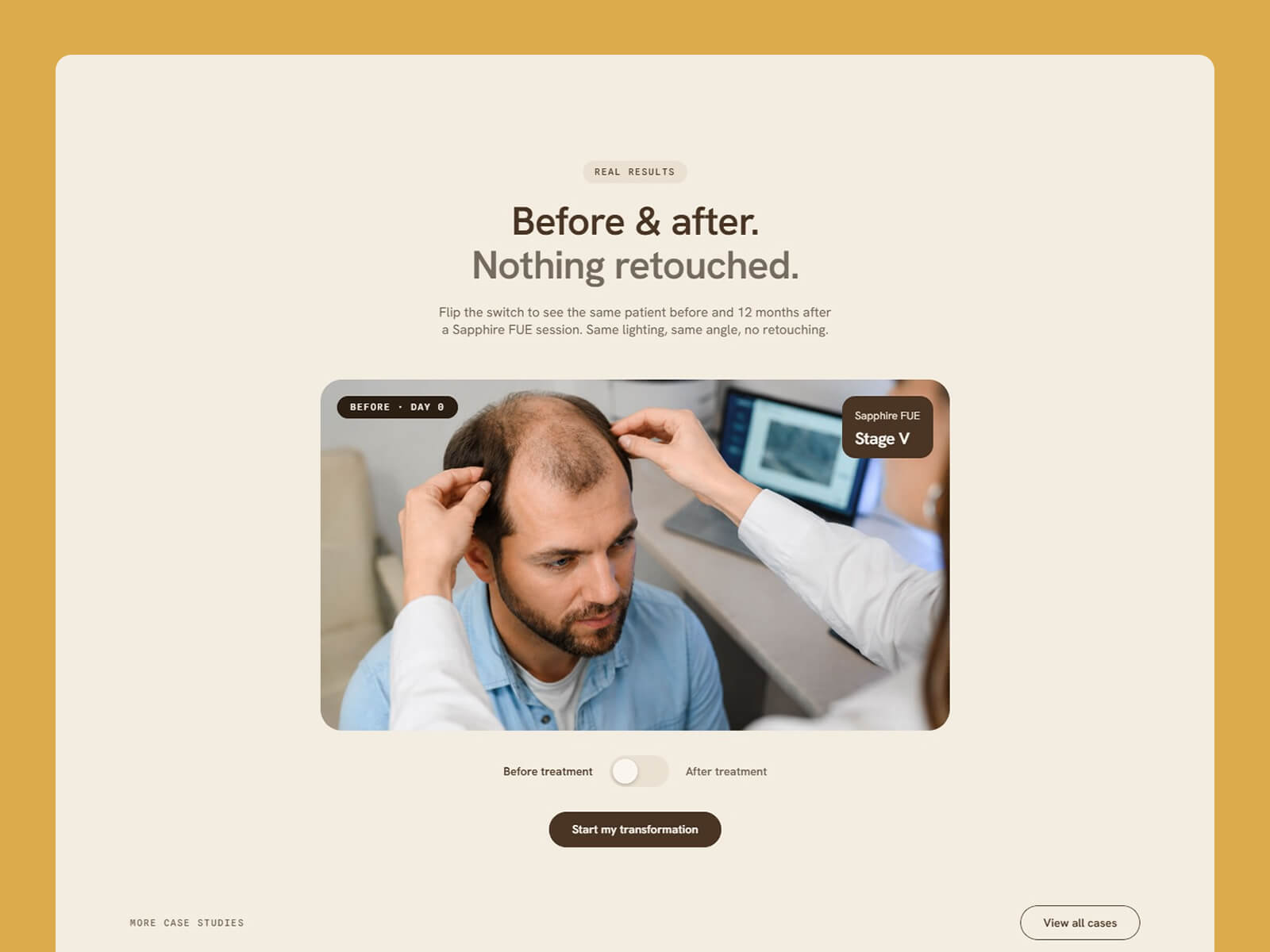
Plumbwell is a website template for plumbers, plumbing crews and home service contractors, built in Framer. It includes a free estimate request, services, project proof, reviews, service areas and license details. You can edit and publish it without writing any code.
Most people visiting a plumber’s website have a problem right now. They want three answers fast: is the crew licensed, do you cover their area, and how quickly can they get a price. Plumbwell is designed to answer all three.
Plumbwell follows the way people pick a plumber. A free estimate request and call option lead the page, followed by your services and project proof, then reviews, service areas and license details.
Plumbwell repeats your phone number on every page, so emergency callers never have to search for it.
Plumbwell was built for plumbers, but the layout suits any local trade that wins work through visible proof. Electricians, HVAC contractors, roofers, handymen and renovation crews all fit by swapping the copy and photos.
Plumbwell is built in Framer, a visual website builder. You click any text to change it, drag in your own images, and publish when you’re ready. Plumbwell is built in Framer, which has built-in AI tools that rewrite text and add new sections and pages for you.
You can also update Plumbwell with Framer MCP. Connect an AI tool like Claude, ChatGPT or Cursor and ask it to replace content, add blog posts or team members, add new pages, write SEO titles and alt text, or update your brand colors across the whole site. Plumbwell is built with clean color styles, text styles and components, so AI edits stay consistent. Nothing goes live until you review and publish.

You can create a portfolio website without code by using the Kelo template in Framer. Open the template, add your projects to the CMS, replace the sample content with your story and contact details, then connect your domain and publish.
Yes. Kelo is built in Framer, which has built-in AI tools that rewrite text and add new sections and pages for you. You can also describe yourself and your studio to Framer’s AI agent, and it will update the template content for you.
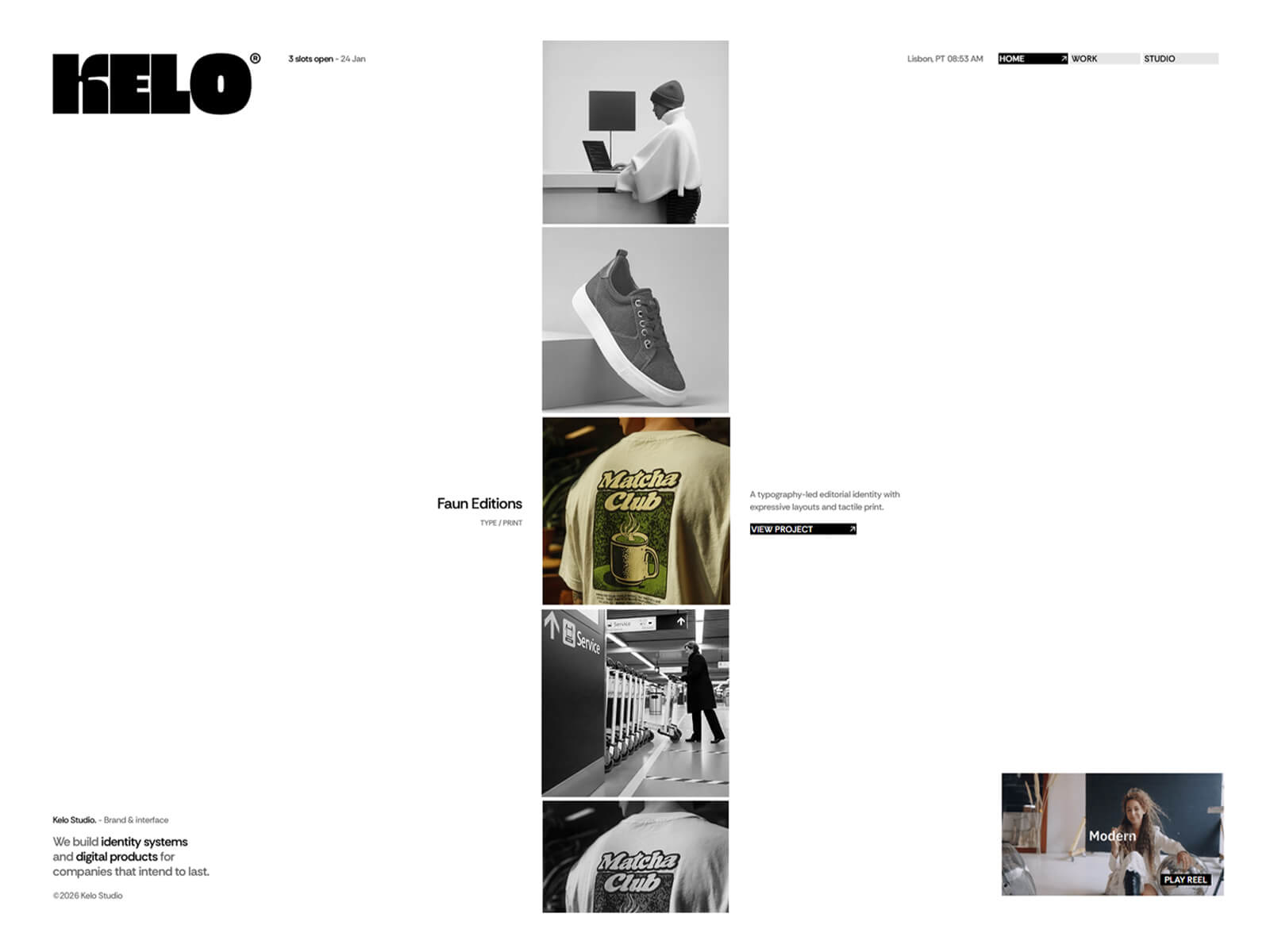
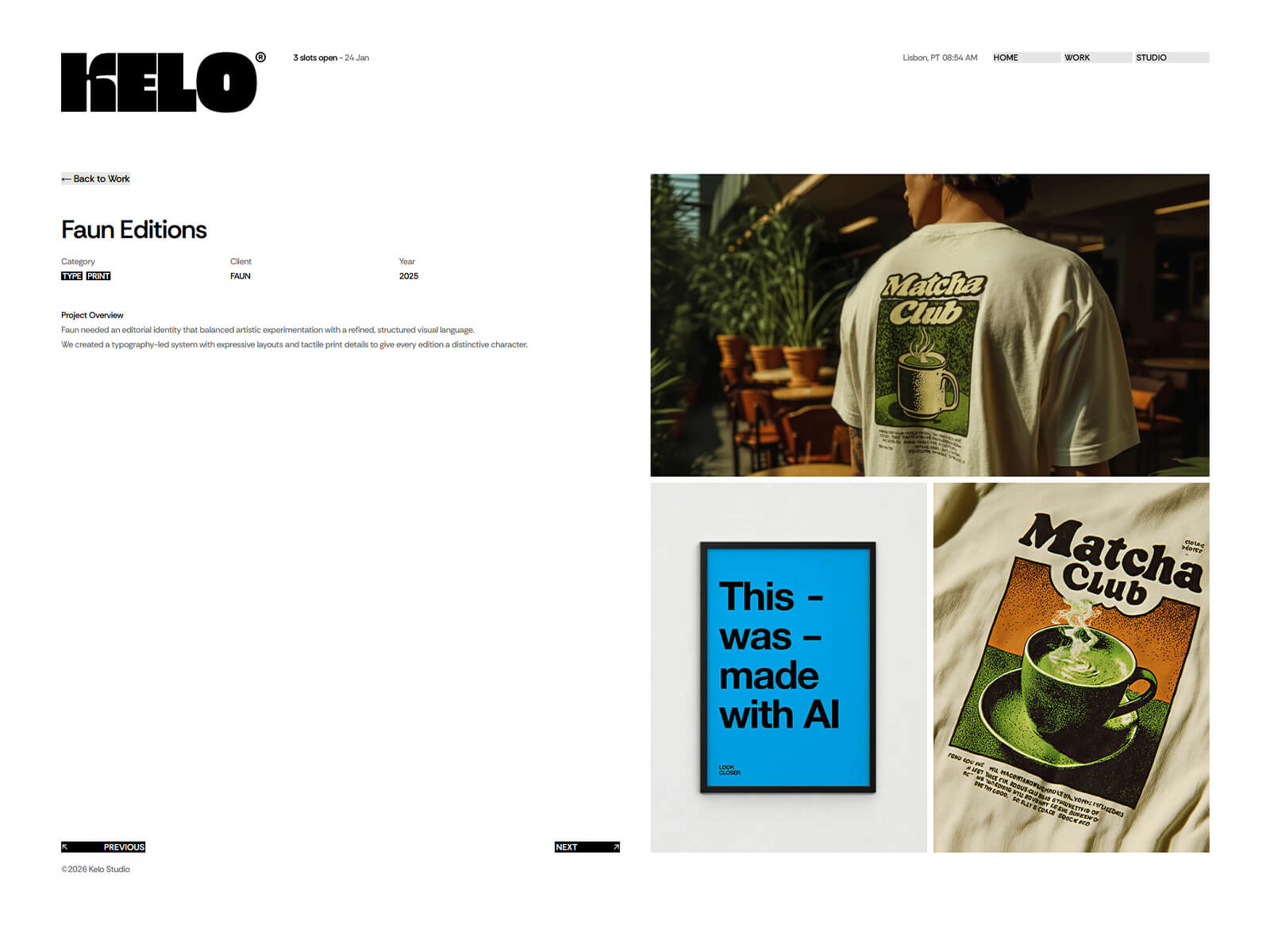
Kelo shows your work in an infinite-scroll column of CMS projects on the homepage. Each project reveals its details on hover and as it comes into focus.
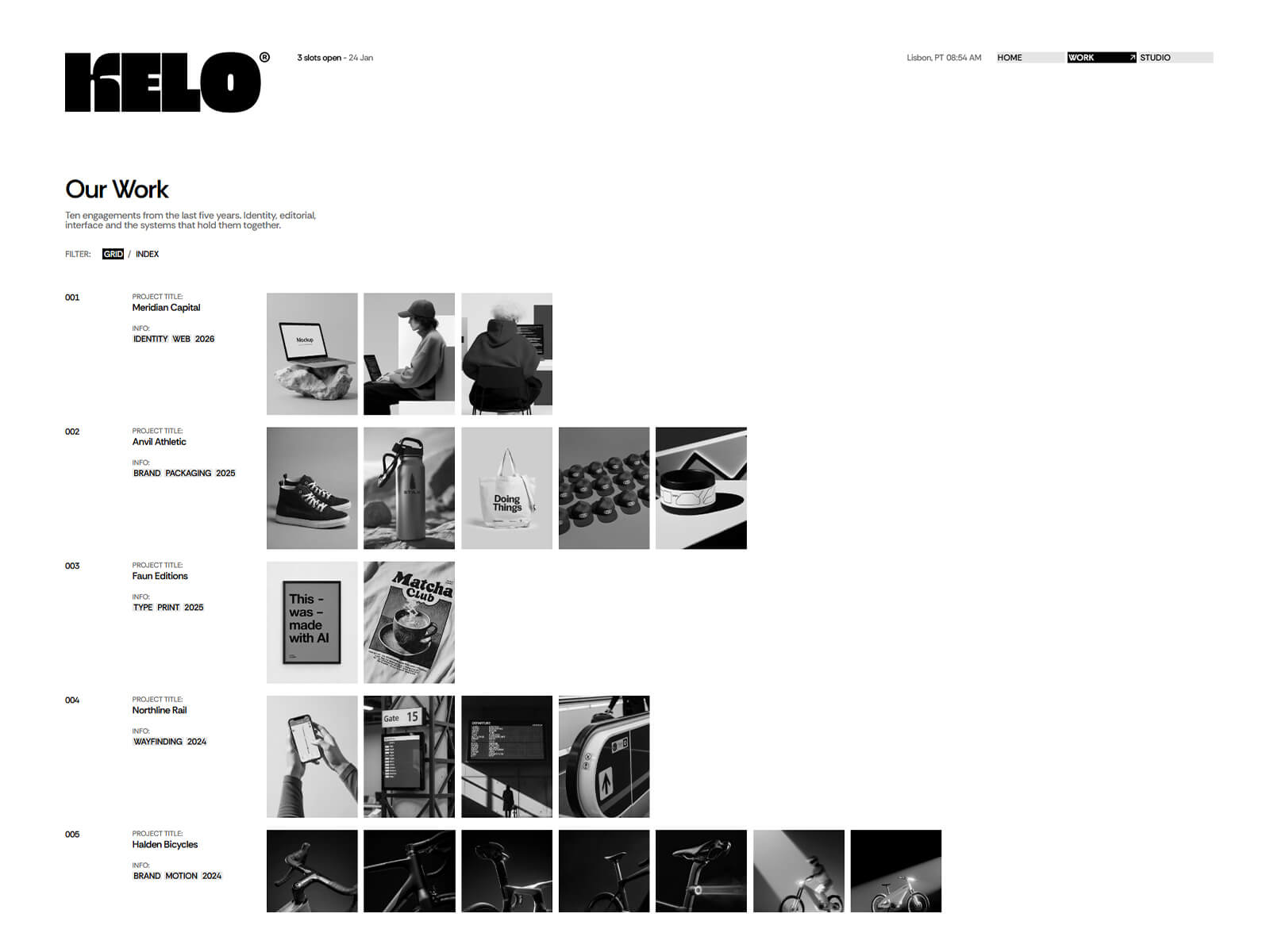
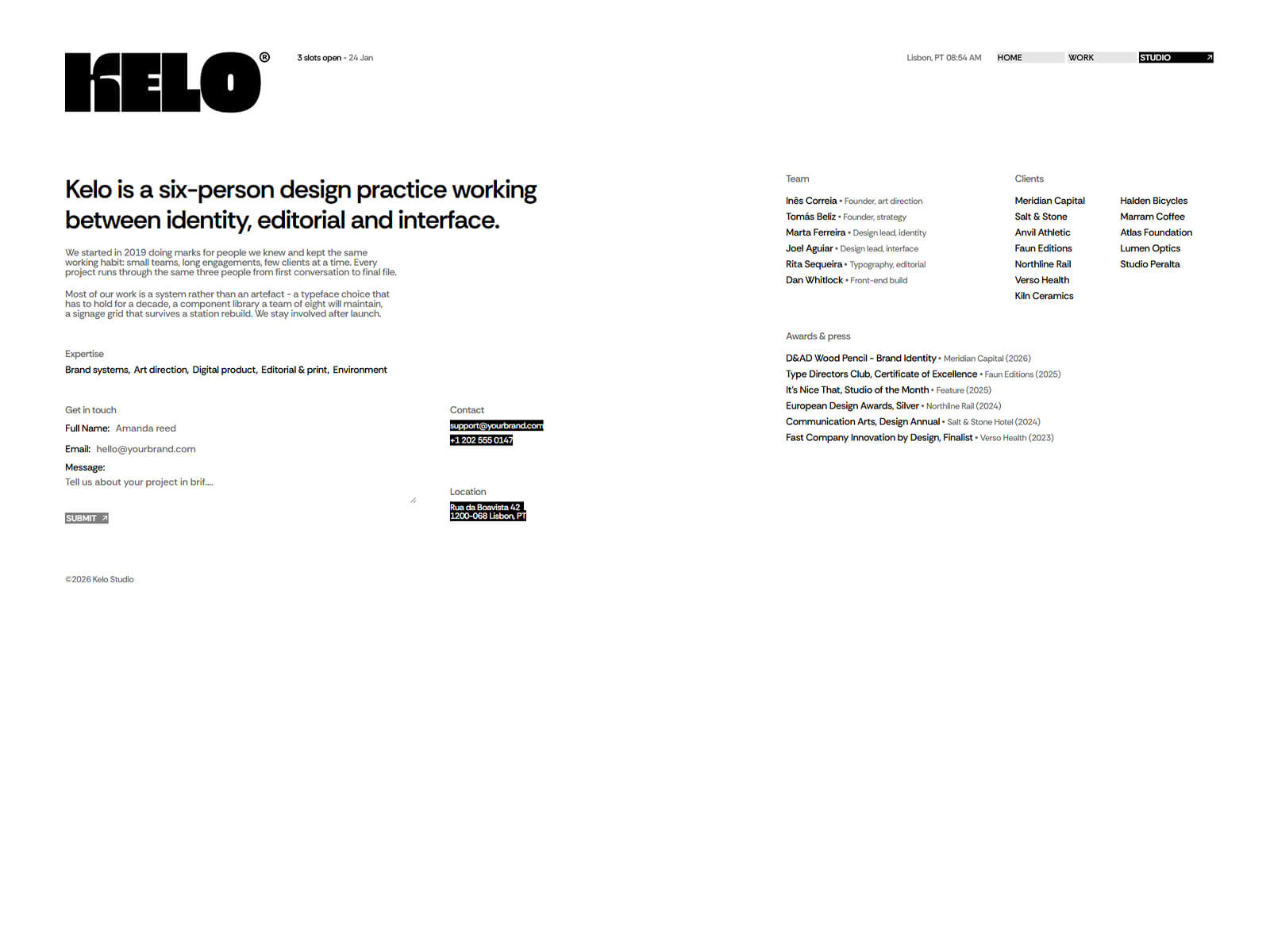
Kelo includes 3 core pages: Home, Work and Studio. The single Studio page covers your story and contact, so prospects find everything without clicking through extra pages.
Yes. Kelo uses global color and type variables, so you can change your colors and fonts across the whole site in one place.
You can start for free. To publish on your own domain, you'll need a paid plan, and this template includes 3 free months of Framer Pro. Start with Framer here.
Yes. Connect any domain you own in Framer's site settings.
Kelo is a minimal website template for design studios, creative practices, and independent portfolios. Let your work lead with an infinite-scroll project feed and a single studio page for your story and contact. Built in Framer, no code needed.
Access every current Framer template + new releases