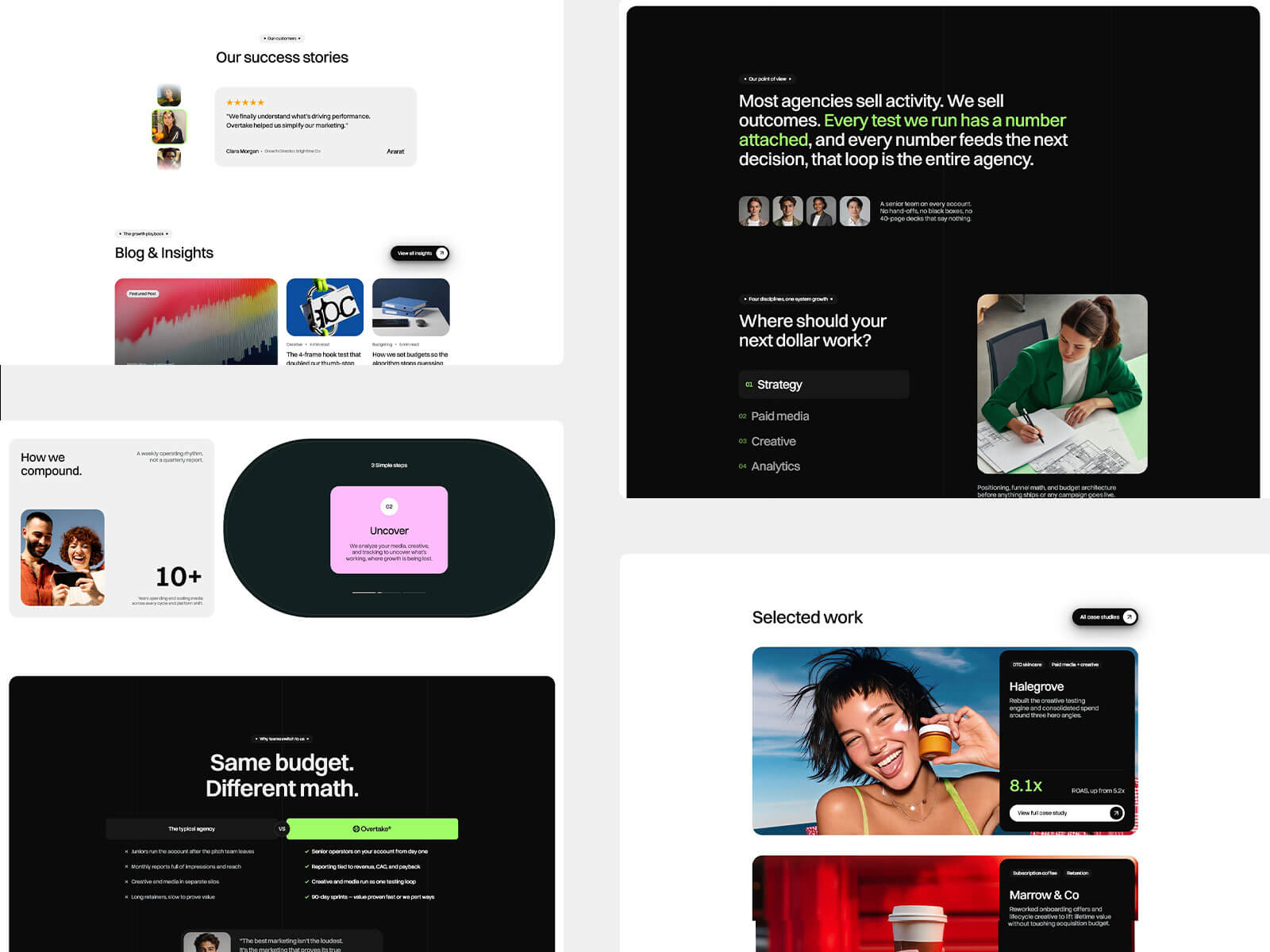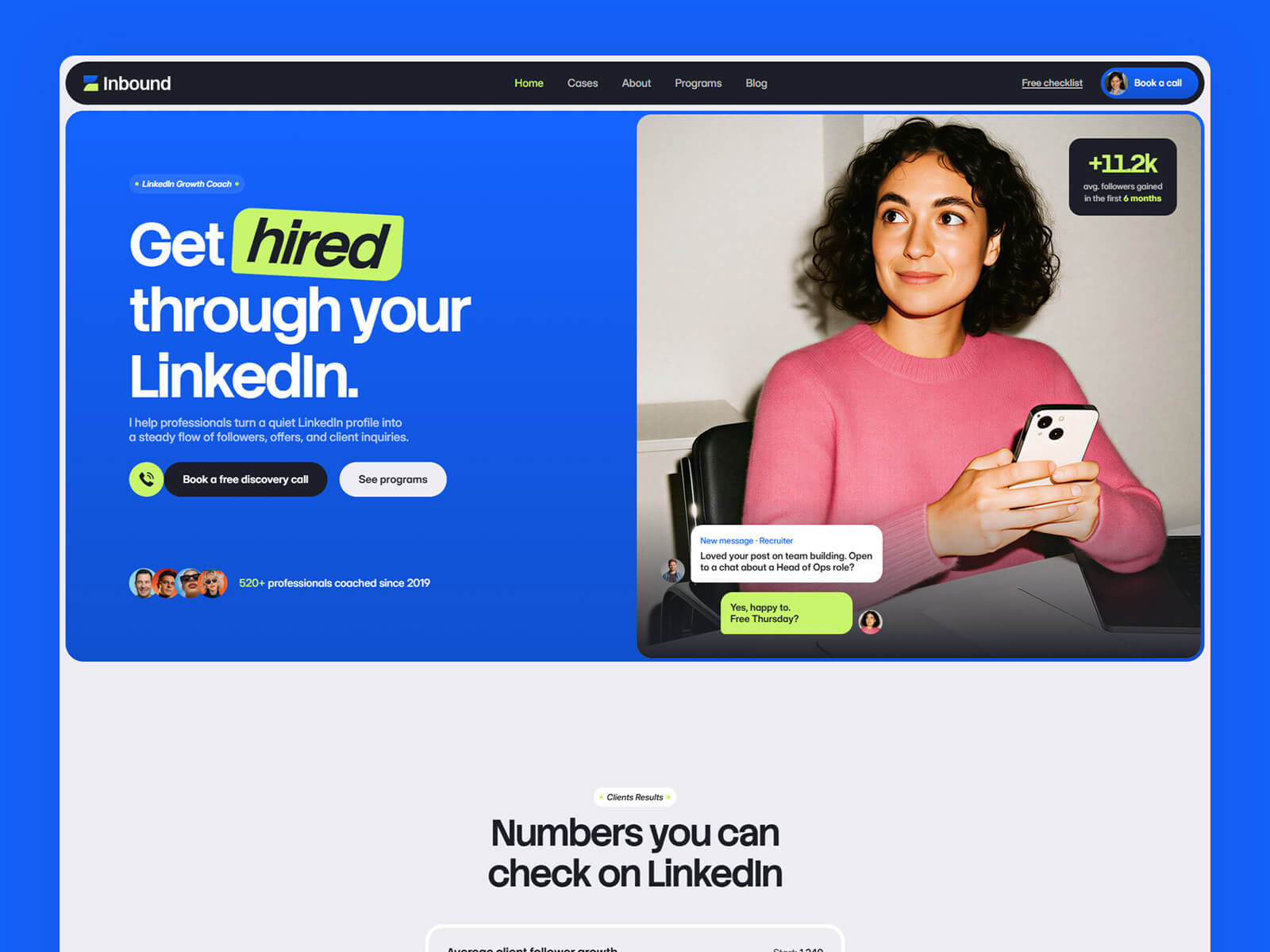
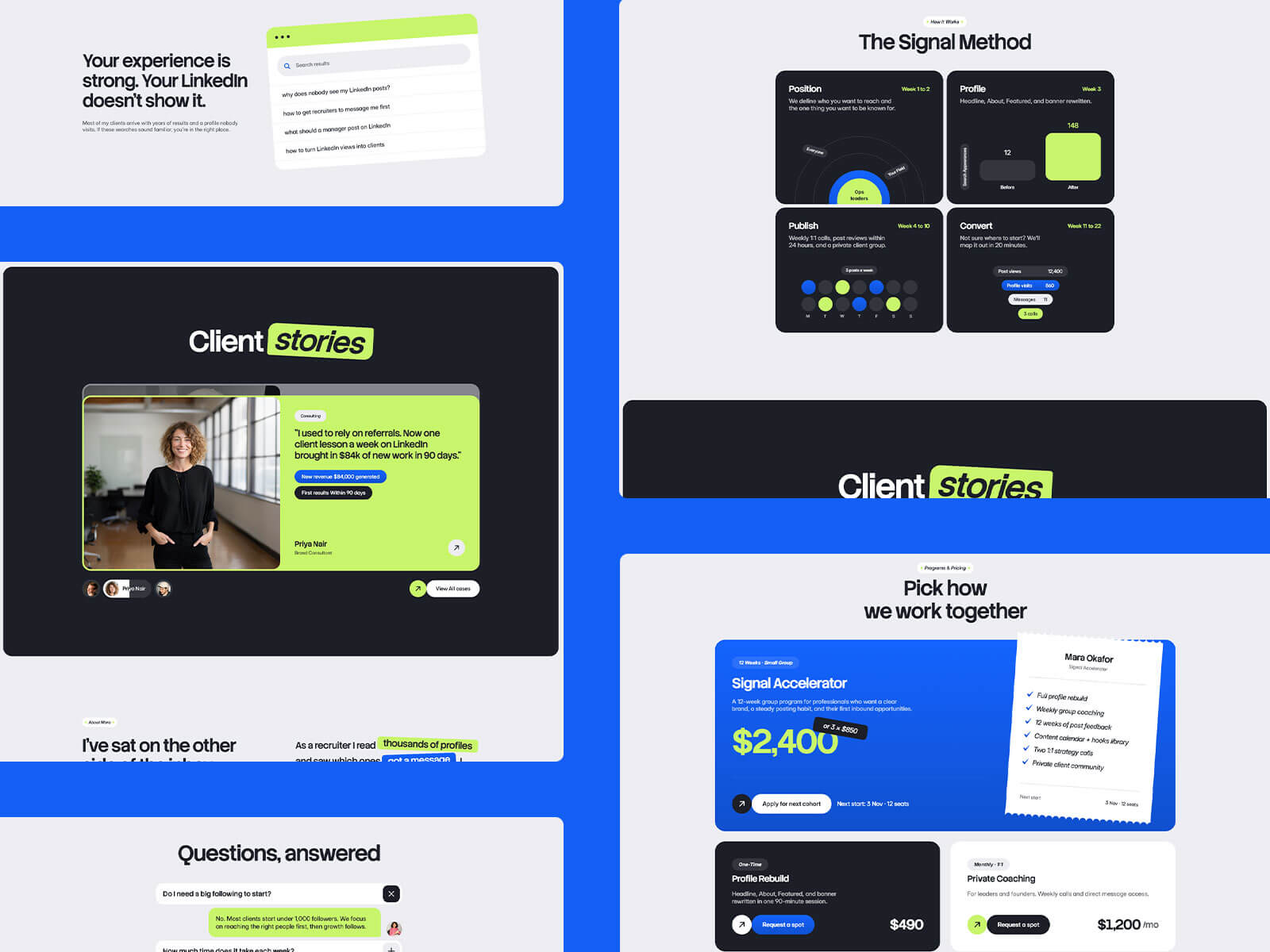
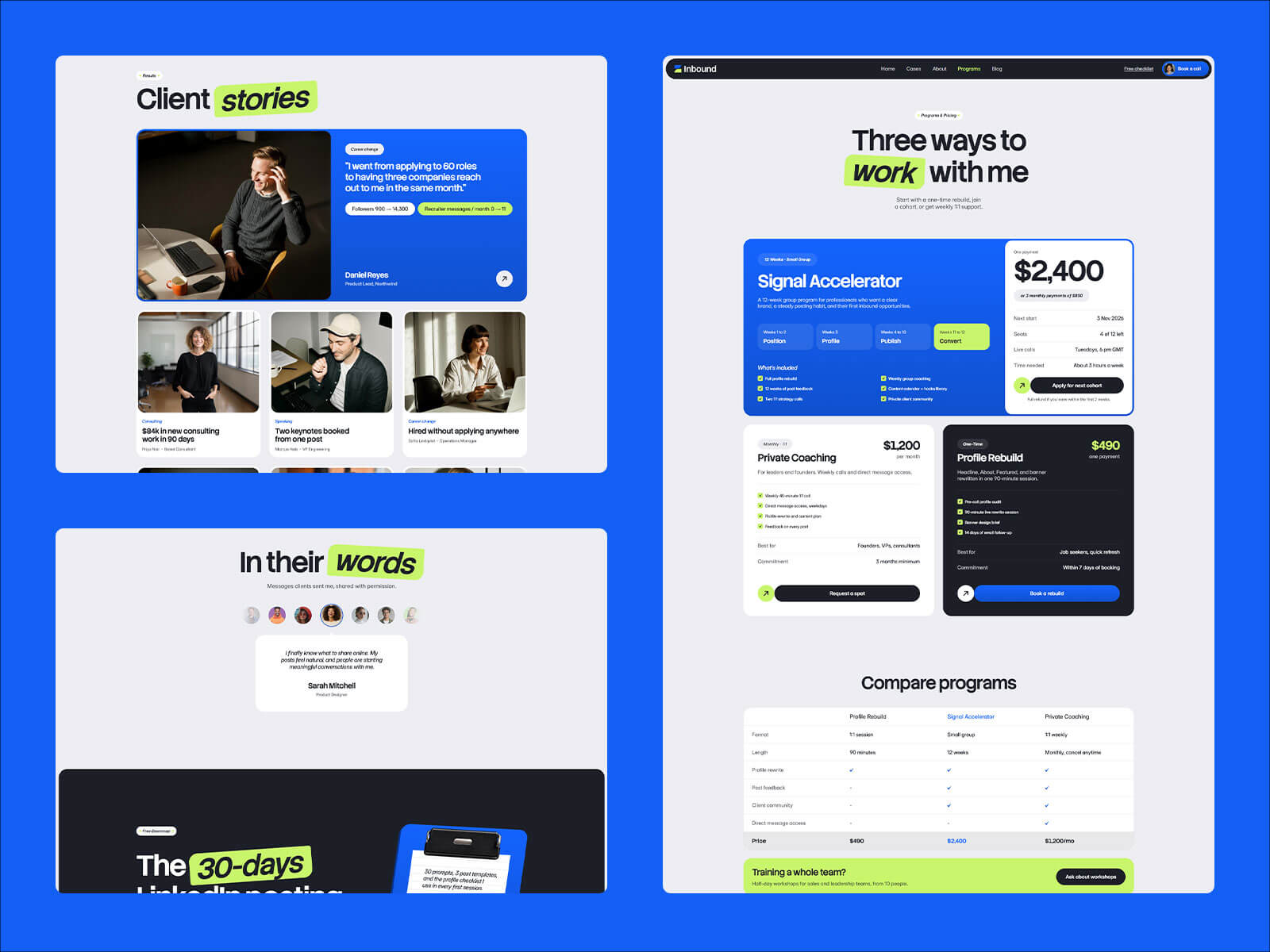
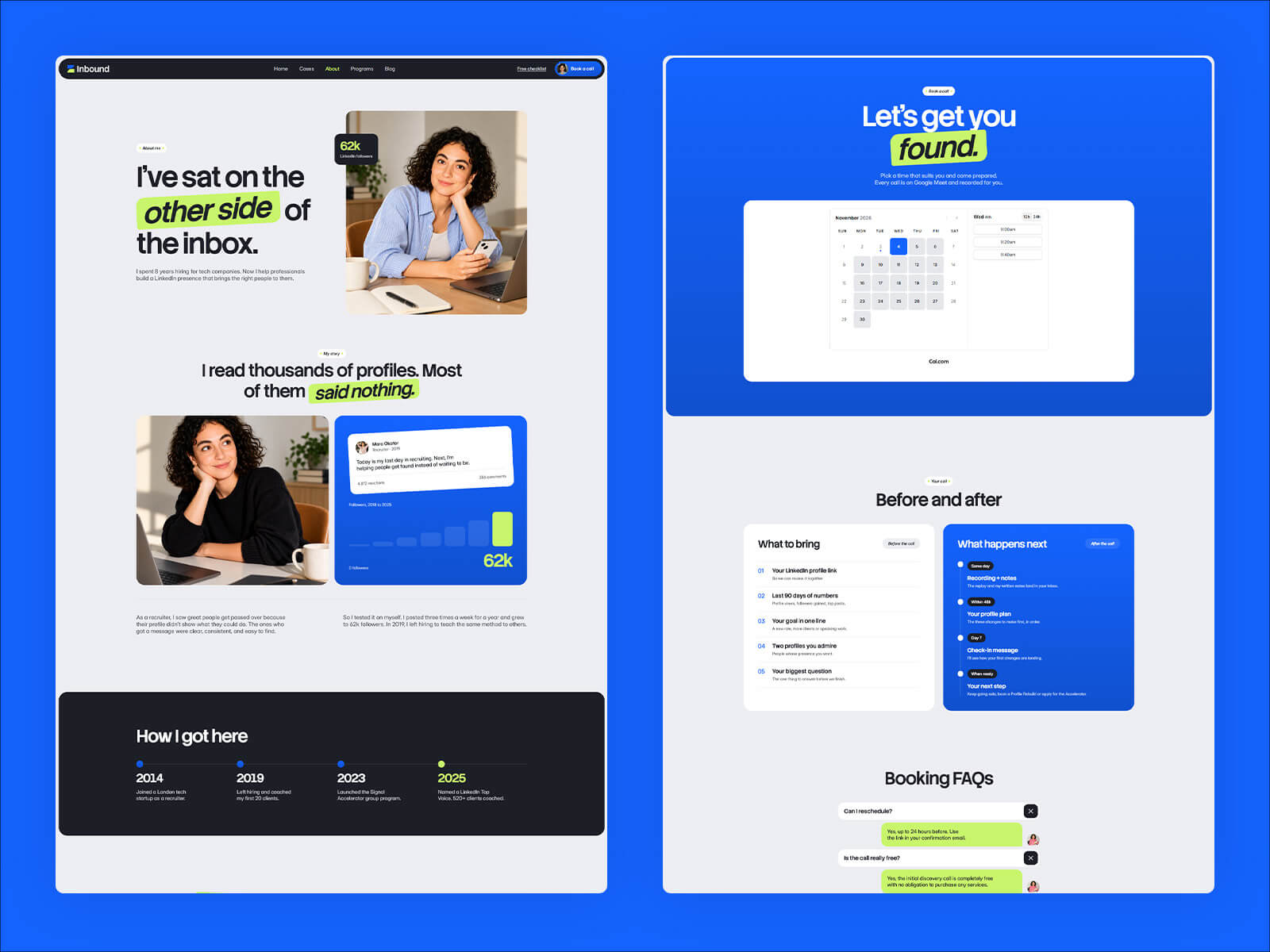
Inbound is a website template for LinkedIn coaches, personal branding coaches and career consultants, built in Framer. It includes a free discovery call, client results, a signature method, client stories, programs with clear pricing and a lead magnet. You can edit and publish it without writing any code.
Visitors arrive with a quiet LinkedIn profile and one question: can this coach get me seen by the right people? They look for three things fast: real client results, a clear method and a price they can understand. Inbound puts all three up front.
Inbound follows the way people pick a coach. A free discovery call leads the page, followed by your client numbers and signature method, then client stories that show real outcomes.
Inbound lays out your programs with clear pricing, so visitors know what working with you costs. A lead magnet captures emails from visitors who aren’t ready to book yet.
Inbound was built for LinkedIn coaches, but the layout suits anyone who sells expertise through visible results. Career coaches, executive coaches, ghostwriters, content strategists and personal brand consultants all fit by swapping the copy and photos.
Inbound is built in Framer, a visual website builder. You click any text to change it, drag in your own images, and publish when you’re ready. Inbound is built in Framer, which has built-in AI tools that rewrite text and add new sections and pages for you.
You can also update Inbound with Framer MCP. Connect an AI tool like Claude, ChatGPT or Cursor and ask it to replace content, add client stories or blog posts, add new programs, write SEO titles and alt text, or update your brand colors across the whole site. Inbound is built with clean color styles, text styles and components, so AI edits stay consistent. Nothing goes live until you review and publish.

You can create a LinkedIn coach website without code by using the Inbound template in Framer. Open the template, replace the sample content with your own results, method and programs, then connect your domain and publish. Everything is edited visually.
Yes. Inbound works with Framer MCP, so you can connect an AI tool like Claude, ChatGPT or Cursor and ask it to replace content, add client stories or programs, write SEO titles or update your brand colors. Nothing goes live until you review and publish.
Yes. Inbound leads with a free discovery call, so visitors can take the first step with you right from the top of the page.
Yes. Inbound lays out your programs with clear pricing and includes a lead magnet section to capture emails from visitors who aren’t ready to book yet.
Yes. Inbound suits anyone who sells expertise through visible results, including career coaches, executive coaches, ghostwriters, content strategists and personal brand consultants. Just swap the copy and photos.
You can start for free. To publish on your own domain, you'll need a paid plan, and this template includes 3 free months of Framer Pro. Start with Framer here.
Yes. Connect any domain you own in Framer's site settings.
Inbound is a website template for LinkedIn coaches, personal branding coaches, and career consultants. Show client results, your signature method, and programs with clear pricing, plus a lead magnet to capture emails. Built in Framer, no code needed.
Access every current Framer template + new releases